Is the Gizmo Watch Shutting Down? What Verizon Parents Need to Know in 2026
Verizon is retiring the GizmoHub app, and families are moving to Verizon Family. Here’s what this means for your Gizmo Watch-and what to do next.
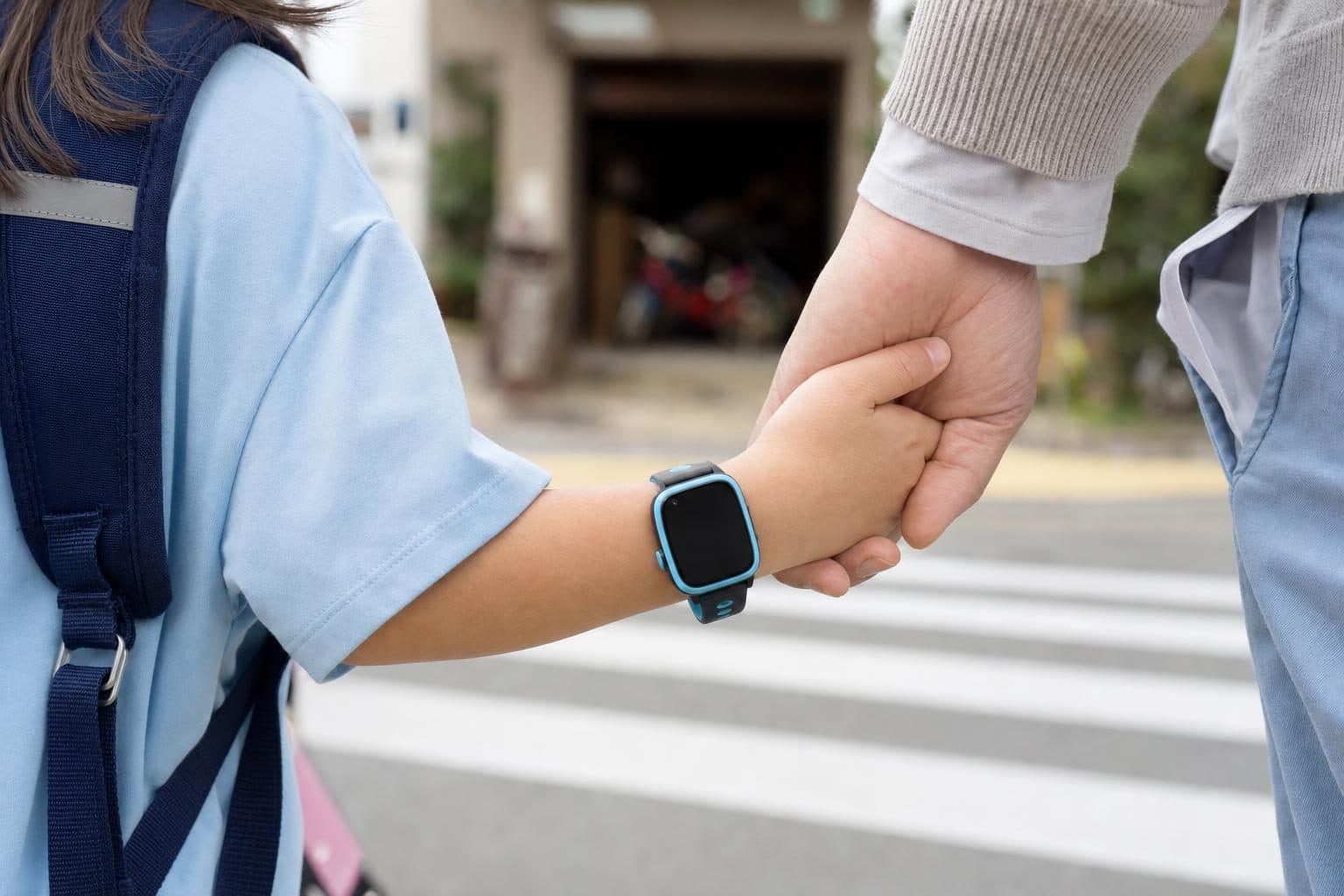
The Gizmo Watch itself is not shutting down, but Verizon is retiring the GizmoHub app in 2026. Families with Gizmo Watches are being moved to the Verizon Family app, which changes how you manage your child's device and contacts.
If your child uses a Gizmo Watch, you are probably wondering what happens next. Will the watch keep working, and should you start thinking about a replacement? Here is what the changes mean for parents and some options to consider if you need a new kids’ phone or smartwatch.
What Is Actually Changing with Gizmo?
Verizon has started moving Gizmo Watch families off the old GizmoHub app and onto the Verizon Family app. The Gizmo Watch itself can still make calls, send messages, and do video calls with trusted contacts. What is different is the way parents set up and manage contacts, track location, and control settings.
Some families have found the transition smooth. Others have run into problems, especially if they do not already use Verizon for their own phones. If your Gizmo Watch is already linked to the Verizon Family app, you can keep using it for now. If you run into trouble, Verizon support can walk you through the new setup.
Should You Replace Your Gizmo Watch?
The Gizmo Watch is not being shut down, but the app change has made some parents decide to look for alternatives. Here are a few reasons:
- You are not a Verizon customer. The new Verizon Family app requires the parent account to be on Verizon.
- You want more control. The old GizmoHub app was built just for the Gizmo Watch. The Verizon Family app is designed for all Verizon devices, so some features work differently.
- You want a device with features the Gizmo Watch does not have. Maybe your child is ready for a camera, better GPS, or something for older kids.
If you are happy with the Gizmo Watch and can use the Verizon Family app, there is no urgent need to switch. But if you are looking for a new device, here is what you should know.
2026 Alternatives to the Gizmo Watch
Several companies offer safe phones and smartwatches for kids. The right one depends on your child’s age, your carrier, and the features you want.
MeWatch L12 Prime
MeWatch L12 Prime is a compact kids’ smartwatch with accurate GPS, a selfie camera, and video calling through the parent app. Like the Gizmo Watch, it is a closed device: no app store, no internet browser, and calls are limited to approved contacts. Every MeWatch L12 Prime includes a SpeedTalk SIM that uses T-Mobile’s 4G-LTE network and is prepaid with no contract. If you want a safe device that works with any carrier and does not need a parent to be on Verizon, this is a strong choice. Families should keep the device away from water, including pools and showers, as water damage is not covered.
Gabb Watch
The Gabb Watch is another closed kids’ smartwatch, but it does not have a camera, so there are no video calls. It runs on Verizon and requires a contract for the lowest monthly rate.
TickTalk
TickTalk is an independent kids’ watch with HD video calling, a camera, and a choice of AT&T or T-Mobile coverage. Like the other safety-first watches, it does not have an open internet browser or app store.
Apple Watch with Family Setup
If your family uses iPhones, the Apple Watch with Family Setup can be managed from a parent’s iPhone. It is a full smartwatch, so parents should be comfortable with more features and settings.
You can find a more detailed comparison of Gizmo alternatives, including pros and cons for each device, in this guide to Gizmo Watch alternatives.
What About the MeWatch Lineup?
MeWatch offers several models for different ages and needs. For families looking for a compact, GPS-enabled smartwatch with video calls, the MeWatch L12 Prime is the closest match to the Gizmo Watch. It works on the T-Mobile network through SpeedTalk and does not require parents to be on any particular carrier. For younger children who do not need GPS, the K12 Light model has call and video call features but uses cell tower location, not GPS. The K12 Ultra is designed for older kids and includes some open features, like WhatsApp and apps managed from the parent app.
If your priority is accurate GPS, a camera, and easy video calling in a closed, safety-focused watch, the L12 Prime is the best MeWatch option.
What If My Child’s Gizmo Watch Stops Working?
If your Gizmo Watch is still under warranty, Verizon may replace it. If the device is out of warranty or you have problems with the new app, this might be the time to switch to another model. Each brand has its own way of setting up contacts, managing location, and handling privacy. Read the details before you decide which is best for your family.
FAQ: Parents’ Most Common Questions
Q: Is Verizon really shutting down the Gizmo Watch? A: Verizon is not shutting down the Gizmo Watch itself, but it is moving families from the GizmoHub app to the Verizon Family app. The watch will keep working as long as it is supported, but you may need to manage it differently.
Q: Can I still use the Gizmo Watch if I am not a Verizon customer? A: After the app change, you need to be a Verizon customer to use the new Verizon Family app for setup and management. If you are not on Verizon, you may have trouble accessing features.
Q: What should I do if the new app does not work for me? A: If you run into problems, contact Verizon support. If you want a device you can manage on any network, consider alternatives like MeWatch L12 Prime, TickTalk, or Gabb Watch.
Q: Which MeWatch model is most like the Gizmo Watch? A: The MeWatch L12 Prime is the closest match. It offers GPS, a camera, video calls, and approved contacts, and works with SpeedTalk on the T-Mobile network.
Q: Can my child wear the MeWatch L12 Prime in the pool? A: No, the MeWatch L12 Prime must be kept away from water, including pools, showers, and the sea. Water damage is not covered.
More for parents
A Phone Without Internet for Kids: Every Real Option, Compared
August 16, 2026 · 14 min read
SafetyCan Strangers Call a Kids Smartwatch? How Approved-Contacts-Only Devices Work
August 16, 2026 · 11 min read
Buying GuidesLooking for a Gizmo Watch Alternative? What Changed in 2026, and What to Choose
August 16, 2026 · 12 min read
Buying GuidesWhich Kids Smartwatch Should You Buy? The 2026 Head-to-Head Comparison
August 16, 2026 · 12 min read