SOS Features and Your Child’s First Day of School: A Parent’s Guide
How the SOS feature on a kids first phone like MeWatch helps keep your child safe on their first day of school. What parents need to know.
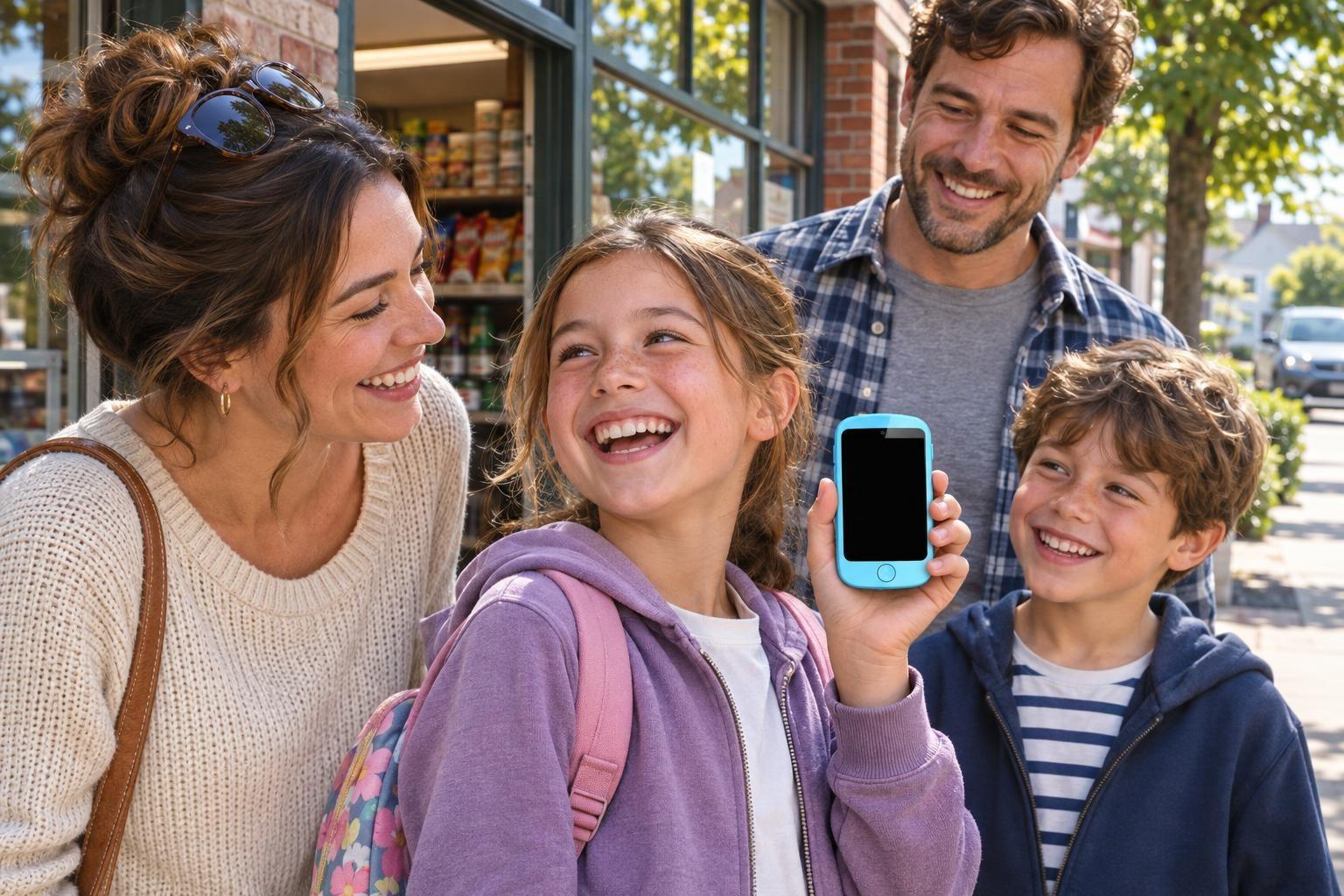
The first time your child walks into school with their own phone can feel like a leap for both of you. Parents want to know that if something feels wrong or scary, their child can reach them instantly. That is where the SOS feature on a kids first phone becomes a real comfort.
Why SOS Matters on the First Day
On the first day of school, routines are new and the building is full of unfamiliar faces. Even a confident child might feel overwhelmed or unsure where to turn if something unexpected happens. The SOS feature acts as a direct line home. If your child feels unsafe, lost, or needs urgent help, one long press connects them to you or another trusted adult.
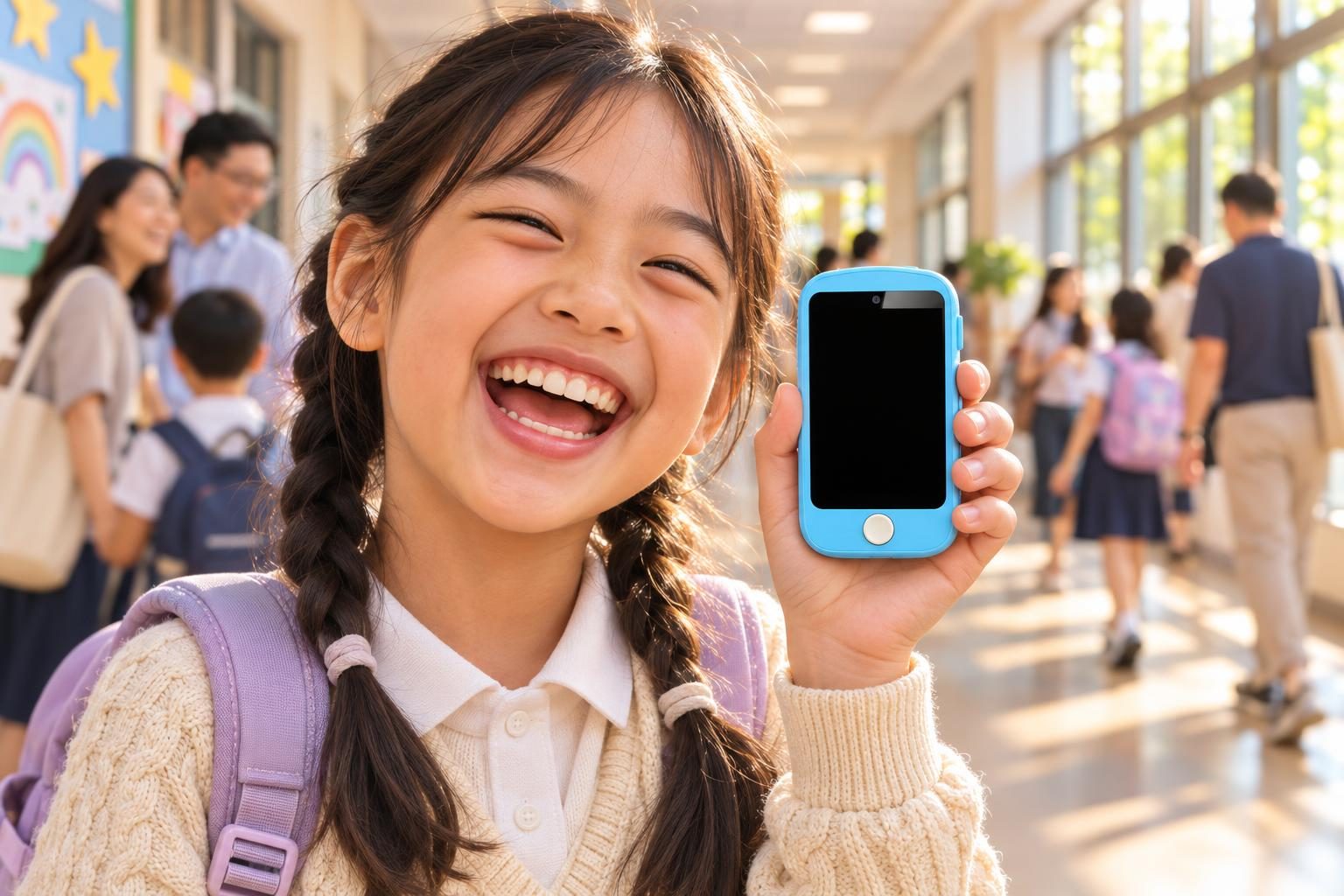
How the SOS Feature Works on Kids’ Devices
Most kids’ phones and smartwatches with SOS are designed for emergencies. MeWatch, for example, includes this feature on its FirstPhone. You decide which three contacts the SOS button will call. Your child holds down the power button, and the device automatically calls those contacts one after the other until someone answers. This only works if you have turned SOS on in the parent app and set up the contacts in advance.
To stop SOS from working, open the parent app and either turn the feature off or delete the SOS contacts. After that, pressing the button will not call anyone. The SOS feature is only for calling, not for texting or sending messages. On the MeWatch FirstPhone, available communication includes calling, voice messages and video calls with contacts you approve. There is no internet browser, no social media, and no way to send or write text messages.
Comparing SOS Features: MeWatch and the Big Names
Several leading brands offer SOS on their kids’ devices. Here is a look at how each one fits the school day:
- MeWatch FirstPhone: SOS calls up to three trusted contacts set by the parent. Video calls, voice messages, and GPS location are included. No internet browser, no app store, no way to send or write text messages. Everything is managed in the parent app. This is a strong fit for a young child’s first day of school.
- Verizon Gizmo Watch 4: SOS and video calling, up to 40 contacts, managed through the Verizon Family app. Location updates are built in.
- Gabb Watch 3e: SOS calling, with approved contacts only. Location updates about every 15 minutes. No video calls, no internet.
- TickTalk 6: SOS, video calls, and real text messages. Parents manage contacts and settings through the TickTalk app. The device uses TickTalk’s plan and is billed every 30 days.
- Cosmo JrTrack 5 SE: SOS and location tracking, no video calls. Managed through the Cosmo app.
Each brand has its own setup process, but the idea is the same: your child can easily reach help, and you control who gets the call.
Setting Up SOS Before the First Day
Spend a few minutes before school starts to set up SOS. Open your parent app, check that the right contacts are listed, and practice with your child so they know when and how to use it. Remind them that SOS is for real emergencies, not for simple problems like forgotten homework. Practicing together helps your child feel ready, and you know they understand how it works.
Why MeWatch FirstPhone Is a Good Fit for School Safety
For a child’s first day of school, the MeWatch FirstPhone is a dedicated kids phone built for safety. The SOS feature is simple and quick to use. You get GPS location if SOS is pressed, and all contacts are tightly managed in the parent app. Communication is limited to calling, voice messages, and video calls with approved people. There is no way to send or write text messages, no internet browser, and no social media. That means fewer distractions and more peace of mind.
If you have a younger child who would do better with a watch format, the MeWatch L12 Prime offers accurate GPS and video calls, and the K12 Light is an entry-level option with location from cell towers. For an older child who needs more features, the K12 Ultra allows parent-approved apps, but the FirstPhone is built for when you want a phone, not a watch, and maximum parental control.
Talking to Your Child About SOS
Help your child understand when to use SOS: if they feel unsafe, lost, or cannot find an adult to help. Practice what to say when they call: where they are, what happened, and what help they need. Show them how to keep the phone charged and remind them to keep it in their backpack or pocket. If the school needs to know about the device, let the teacher know ahead of time.
Stepping Into a Safe School Year
With SOS set up and your child prepared, both of you can feel better about that first drop-off. The right device and a quick practice make all the difference. If you have questions about how SOS works or which MeWatch model fits your child, email support@me-watch.com. If you want help completing an order, leave your email or phone number and the team will follow up.
---
FAQ: SOS Features and the First Day of School
How does the SOS button work on a MeWatch device?
A long press on the power button calls up to three contacts you set up in the parent app. SOS works only if you turn it on and add contacts first. You can turn SOS off or change the contacts in the parent app. The SOS feature is for calling, not texting.
Can my child use SOS to send a text message?
No. On the MeWatch FirstPhone, SOS can only call the contacts you approve. The device does not have texting or a keyboard, so your child cannot send or write text messages.
Which MeWatch model is best for a child’s first day of school?
The MeWatch FirstPhone is a strong fit for a child starting school. Its SOS, GPS, and closed system make it a good choice for younger kids and first-time users.
Can my child call 911 with SOS?
No. SOS on MeWatch devices only calls the contacts you set up. It does not call emergency services.
How do I add or change the SOS contacts?
You add and change SOS contacts in the parent app on your phone. Up to three contacts can be set for SOS, and you can update them anytime.
---
More for parents
A Phone Without Internet for Kids: Every Real Option, Compared
August 16, 2026 · 14 min read
SafetyCan Strangers Call a Kids Smartwatch? How Approved-Contacts-Only Devices Work
August 16, 2026 · 11 min read
Buying GuidesLooking for a Gizmo Watch Alternative? What Changed in 2026, and What to Choose
August 16, 2026 · 12 min read
Buying GuidesWhich Kids Smartwatch Should You Buy? The 2026 Head-to-Head Comparison
August 16, 2026 · 12 min read