Kids Watch with Video Calling and SOS: Top Smartwatch Options for Safety
Discover top kids smartwatches featuring video calling and emergency SOS buttons to keep your child safe and connected without an open smartphone.
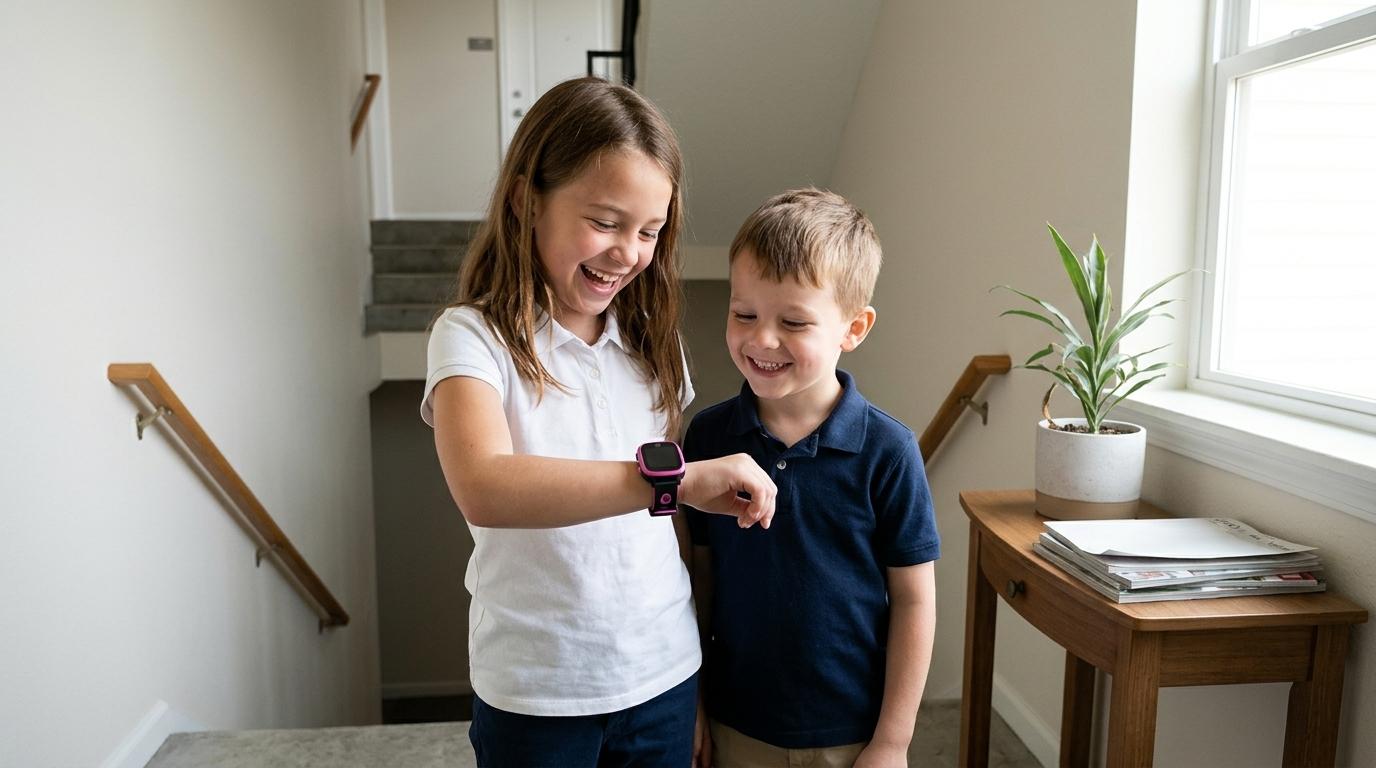
Kids smartwatches supporting both video calling and a dedicated emergency SOS button include models like the MeWatch L12 Prime, TickTalk 6, and Gizmo Watch 4. These family devices allow parents to check in face to face while giving kids an instant way to alert pre-approved contacts during an emergency.
When your child starts spending time away from home, whether walking back from neighborhood playdates or staying late at after-school activities, staying connected becomes a daily priority. Having visual check-ins alongside reliable emergency calling gives parents confidence without handing over an open smartphone.
How Emergency SOS Features Keep Kids Safe
An emergency alert system must be simple enough for a child to use under stress. On devices like the MeWatch L12 Prime, activating the SOS feature requires holding down the power button. In SOS mode, a long press automatically dials up to three pre-approved emergency contacts set up in the parent app.
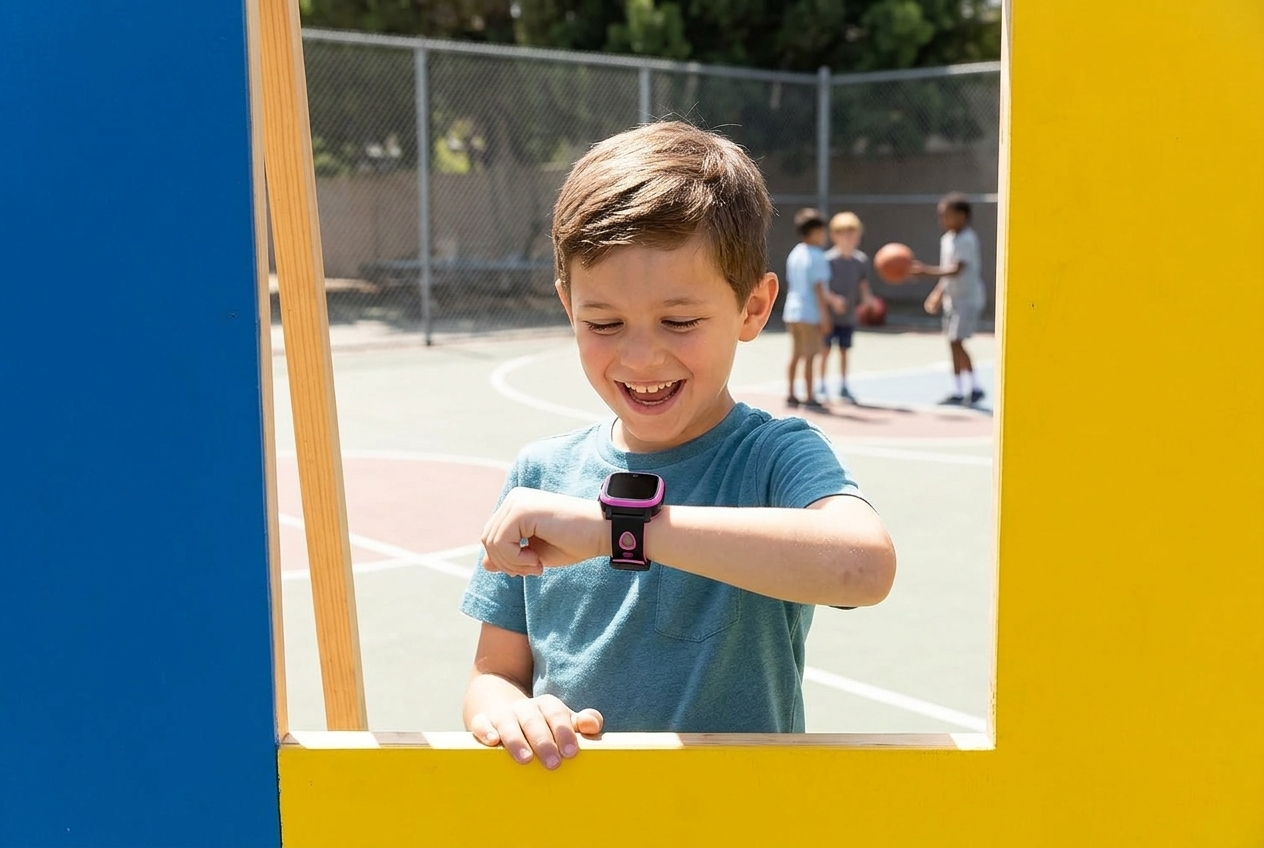
This safeguard requires setup ahead of time. The SOS mode only functions if parents configure the three contacts and toggle the feature on inside the app beforehand. If you ever want to turn SOS off, you manage that directly in the parent app by toggling the switch off or removing the contacts. Once disabled, a long press on the device will no longer trigger emergency calling.
Why Face-to-Face Video Calls Matter for Families
Voice calls are great for quick updates, but video calls provide extra reassurance. Seeing your child's surroundings helps confirm they arrived safely at practice or a friend's house.
On safety-focused smartwatches, video calling operates within a closed network. A child can place or receive video calls with the parent app installed on mom or dad's phone. Additionally, kids using MeWatch devices can connect with friends who also have MeWatch hardware. When two children open their chat screens simultaneously and tap the add friend button while standing together, their devices pair securely. From then on, they can video call and send voice messages directly to each other.
Comparing Top Kids Watches with SOS and Video Calling
Selecting the right device depends on coverage, features, and how closed you want the system to be. Here is a breakdown of prominent options available for families:
- MeWatch L12 Prime: This compact watch features accurate GPS tracking, a built-in selfie camera, video calls through the parent app, and a dedicated SOS button. It operates as a fully closed system with no web browser or app store, preventing access to social media. Service is powered by SpeedTalk on MeWatch plans. Keep in mind that devices like the L12 Prime must be kept away from water, including pools and showers, as water damage is not covered.
- TickTalk 6: Selling for $169.99 as of October 2026, the TickTalk 6 includes video calling, SOS features, and real text messaging for kids aged 3 to 12. It relies on an eSIM locked to TickTalk Wireless, running on AT&T or T-Mobile networks for $9.99 or $19.99 per 30 days without activation fees.
- Verizon Gizmo Watch 4: Priced at $179.99 as of October 2026, Gizmo Watch 4 provides video calling, up to 40 approved contacts, and an interactive assistant on Verizon network lines ($10 per month line plus activation fees).
Some popular alternatives skip cameras entirely. For instance, the Gabb Watch 3e ($229.99 as of October 2026) and Cosmo JrTrack 5 SE (ranging from $100 to $130 as of October 2026) offer location tracking and SOS calling, but neither supports video calls due to a lack of camera hardware.
Texting vs. Voice Messaging on Safety Watches
Parents often wonder if kids watches can text. Closed safety watches without physical or screen keyboards, including the L12 Prime, cannot compose traditional text messages. Instead, kids can receive incoming SMS text messages from approved contacts, and they can respond anytime using clear voice messages or direct video calls. This structure keeps communication swift without forcing small fingers to type on tiny screens.
Setting Up Your Child's Watch for Success
Before sending your child out with their watch, test the SOS button together. Show them how holding the power button starts an emergency call so they feel prepared without feeling scared. Set up your approved contact list in the parent app right away so every call and message reaches the right person.
Frequently Asked Questions
How does the emergency SOS button work on a MeWatch?
A long press on the power button automatically calls the three emergency contacts set up in the parent app. It only works if those contacts are added and SOS is switched on in the app in advance. To turn off SOS, parents switch the feature off or delete the contacts inside the parent app.
Can my child send text messages from the MeWatch L12 Prime?
No. The L12 Prime has no keyboard, so your child cannot type or send SMS text messages. However, the device can receive incoming text messages and allows your child to send voice messages, make phone calls, and video call approved contacts.
Which MeWatch models support video calls?
The MeWatch FirstPhone, K12 Light, L12 Prime, and K12 Ultra all support video calls between the child device and the parent app, as well as between two MeWatch devices paired together. The K12 Ultra can also make video calls through WhatsApp if the parent chooses to enable it.
Are kids smartwatches with video calling waterproof?
MeWatch devices are not waterproof. You must keep your MeWatch away from water, including showers, pools, and the sea, as water damage is not covered under warranty.
More for parents
A Phone Without Internet for Kids: Every Real Option, Compared
August 16, 2026 · 14 min read
SafetyCan Strangers Call a Kids Smartwatch? How Approved-Contacts-Only Devices Work
August 16, 2026 · 11 min read
Buying GuidesLooking for a Gizmo Watch Alternative? What Changed in 2026, and What to Choose
August 16, 2026 · 12 min read
Buying GuidesWhich Kids Smartwatch Should You Buy? The 2026 Head-to-Head Comparison
August 16, 2026 · 12 min read