What Parental Controls Matter Most in a Kid’s First Phone?
Choosing your child's first phone? Learn the parental controls that matter most, how top kids’ phones compare, and where MeWatch stands out.
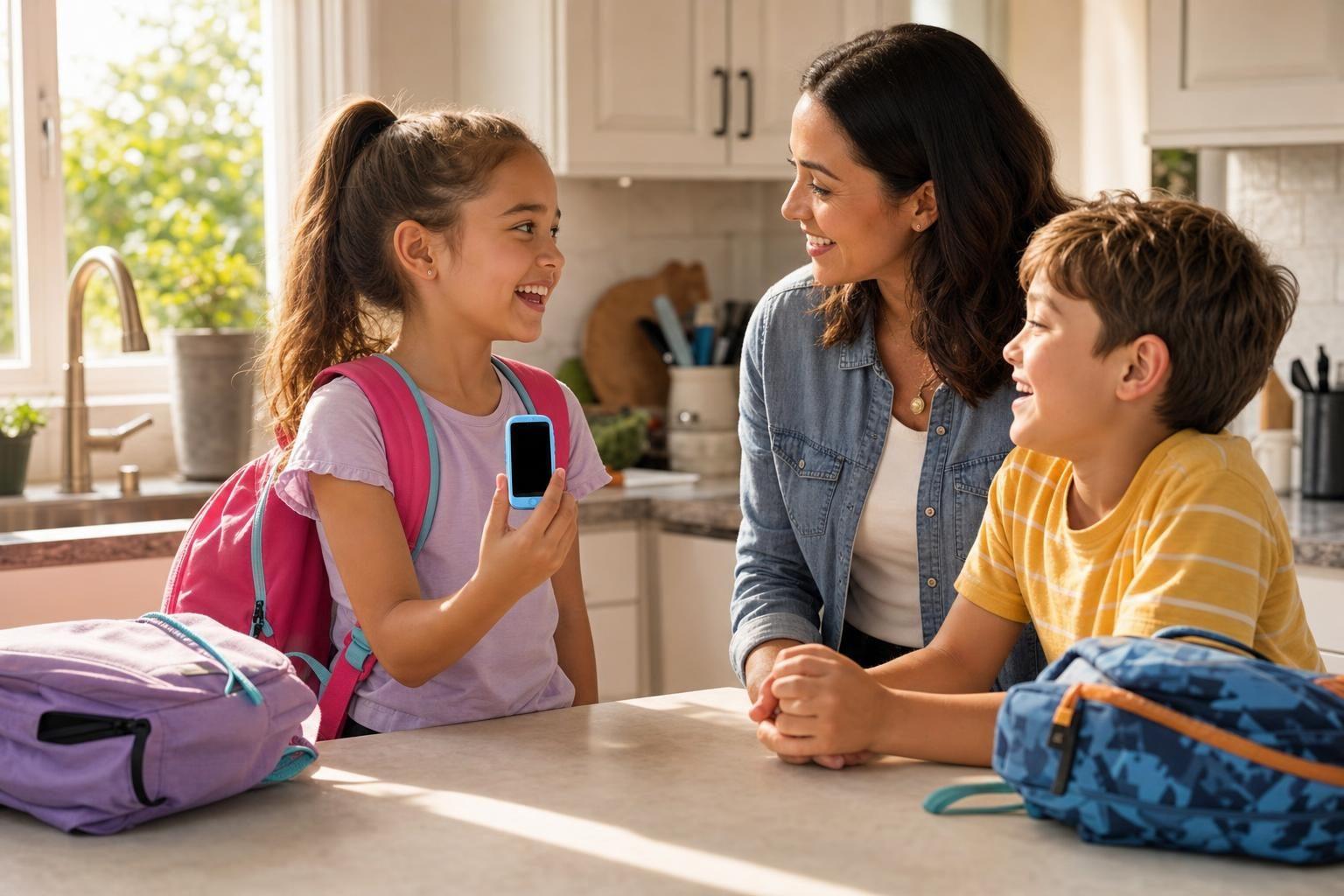
You want your child’s first phone to be safe and age-appropriate. The most important parental controls to look for are the ability to limit contacts, block internet access, and track location. These features help you safeguard your child as they start using technology independently.
What Parental Controls Should Parents Expect?
Kids’ phones today can do much more than call home. But with more features come more risks. The right parental controls can make a big difference in how secure your child’s first phone experience is. Here are the basics to look for:
1. Contact Management
A strong kids phone lets parents approve every contact. This means only trusted people can call or message your child. Phones like the MeWatch FirstPhone, Gabb Phone, and Cosmo JrTrack 5 SE all offer contact approval. On the MeWatch FirstPhone, only contacts you approve can reach your child by call, text, or video call.
2. No Open Internet or App Store
One of the biggest risks for young kids is unrestricted web browsing or access to app stores. Most leading kids’ phones, including MeWatch FirstPhone, Gabb Phone, and Cosmo JrTrack 5 SE, do not allow internet browsing or app installations. This keeps children away from inappropriate content, social media, and risky downloads.
3. Location Tracking
Knowing where your child is brings peace of mind. A good kids’ phone includes GPS location that parents can check in real time. MeWatch FirstPhone, Verizon Gizmo Watch 4, and Cosmo JrTrack 5 SE all support GPS tracking. This helps you confirm your child made it to school or home safely.
4. SOS and Emergency Features
SOS buttons provide a direct way for your child to alert you if something feels wrong. The MeWatch FirstPhone has a dedicated SOS button that calls and texts you instantly. Gabb Phone and TickTalk 6 also include SOS features.
5. Video Calls (Where Needed)
Some parents want to see their child’s face, not just hear their voice. MeWatch FirstPhone, Verizon Gizmo Watch 4, and TickTalk 6 support video calling with contacts you approve. Not every child needs this, but it can be reassuring for families who want that extra connection.
How Do the Top Kids’ Phones Compare?
Every brand takes its own approach to parental controls. Here is how some of the main options stack up:
| Brand & Model | Contact Approval | No Internet/App Store | Location Tracking | Video Calls | SOS Button |
|---|---|---|---|---|---|
| MeWatch FirstPhone | Yes | Yes | GPS | Yes | Yes |
| Gabb Phone 4 | Yes | Yes | Yes (15 min intervals) | No | Yes |
| Verizon Gizmo Watch 4 | Yes | Yes | GPS | Yes | Yes |
| Cosmo JrTrack 5 SE | Yes | Yes | GPS | No | Yes |
| TickTalk 6 | Yes | Yes | GPS | Yes | Yes |
The MeWatch FirstPhone stands out for families who want a device that covers all the essentials: tight contact control, no web or app exposure, accurate GPS, and a physical SOS button. Its camera setup also enables both video calls and photo sharing with trusted contacts.
Gabb and Cosmo are solid alternatives, but Gabb updates location about every 15 minutes (not real time) and Cosmo does not support video calls. TickTalk 6 and Gizmo Watch 4 cover similar ground, but may differ in monthly costs or device requirements.
Why a Closed System Is Safer for Kids
Regular smartphones with third-party parental control apps allow more freedom, but also more risk. Kids may find ways around restrictions as they get older. Devices built specifically for children, like the MeWatch FirstPhone and its main competitors, are designed so that only parent-approved features and contacts are available. This helps you avoid surprises and keeps your child’s experience focused on safety and family connection.
Setting Up and Managing Controls on MeWatch
With MeWatch FirstPhone, the setup is managed through a parent app. You add or remove contacts, see live location, and control who can video call with your child. The device comes with a SIM for a MeWatch plan that uses nationwide 4G-LTE coverage powered by SpeedTalk. For the latest plan details, see me-watch.com/plans. You can adjust settings anytime as your child grows or their needs change.
FAQ: Parents’ Real Questions About Kids Phone Parental Controls
What if my child tries to add a new contact?
On the MeWatch FirstPhone, only the parent can add or approve contacts. Your child cannot add anyone without your permission.
Can my child browse the internet or download apps?
No. The MeWatch FirstPhone has no web browser or app store, so your child cannot access websites or download new apps.
How does location tracking work?
The MeWatch FirstPhone uses GPS, so you can check your child’s real-time location from your parent app. This helps you confirm they are where they should be.
Is there an emergency button my child can use?
Yes, there is a dedicated SOS button on the MeWatch FirstPhone. When pressed, it alerts you right away by call and text.
What’s the process for activating and managing service?
After you buy a MeWatch plan, you enter your SIM number in My Account at me-watch.com. The MeWatch team activates the line, and your service renews monthly or yearly until you cancel.
Choosing With Confidence
The best parental controls are the ones that match your child’s age and your family’s routines. Devices like the MeWatch FirstPhone give you strong tools to keep your child safe and connected, without the risks of open internet or unapproved contacts. When you pick a phone designed for kids, you can focus on what matters: your child’s growth and your peace of mind.
More for parents
A Phone Without Internet for Kids: Every Real Option, Compared
August 16, 2026 · 14 min read
SafetyCan Strangers Call a Kids Smartwatch? How Approved-Contacts-Only Devices Work
August 16, 2026 · 11 min read
Buying GuidesLooking for a Gizmo Watch Alternative? What Changed in 2026, and What to Choose
August 16, 2026 · 12 min read
Buying GuidesWhich Kids Smartwatch Should You Buy? The 2026 Head-to-Head Comparison
August 16, 2026 · 12 min read