K2 vs Garmin: Which Kids’ Smartwatch Fits Your Child’s Life?
The MeWatch K12 Ultra and Garmin Bounce 2 take different paths for active kids. See which fits your family’s needs and why.
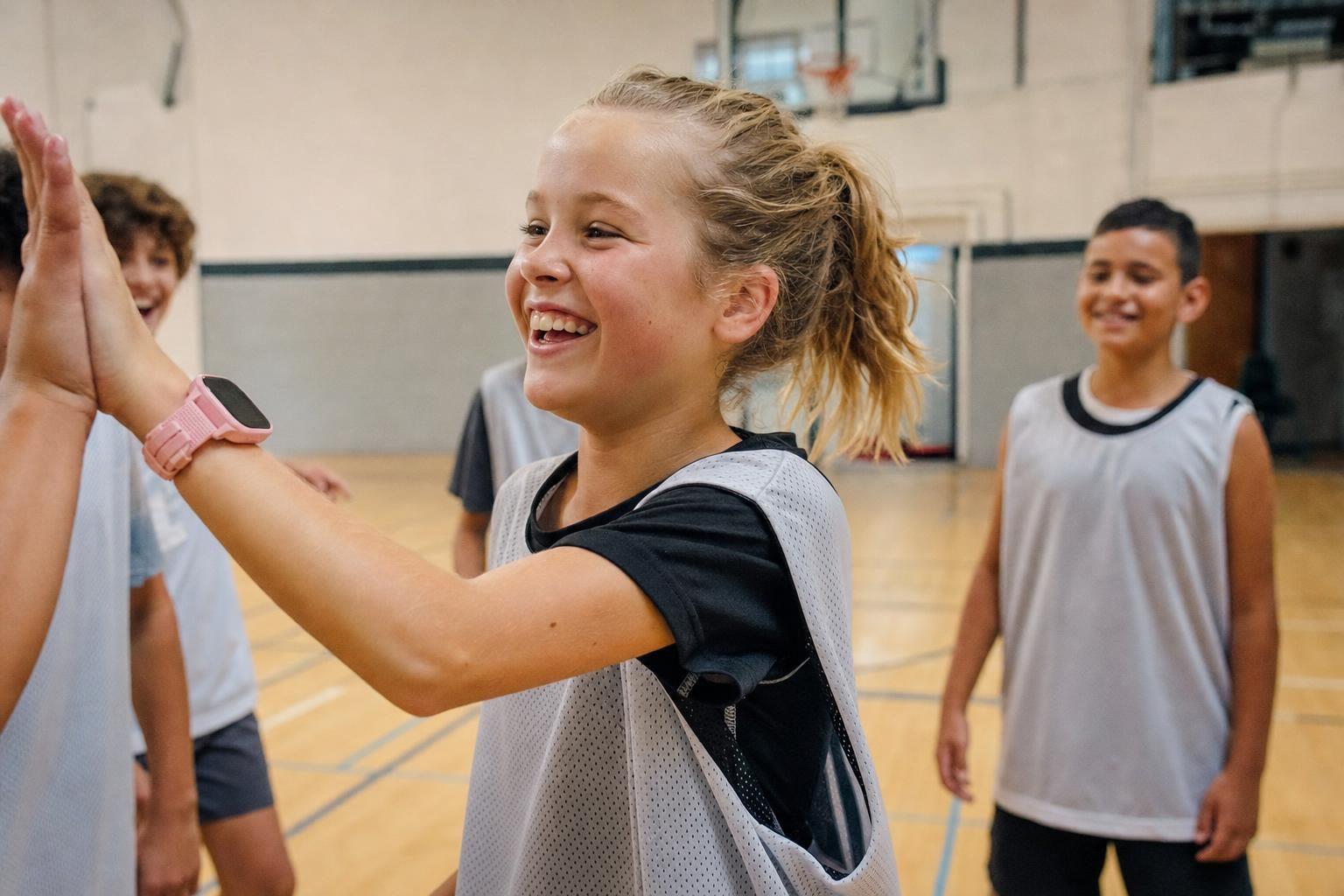
The MeWatch K12 Ultra and the Garmin Bounce 2 answer different needs for kids and parents. If you want a smartwatch that blends safety with real flexibility for an active child, the K12 Ultra stands out. Garmin Bounce 2 is strong on activity tracking and a traditional watch feel, but the K12 Ultra lets parents approve sports apps and see their child’s GPS location in real time.
K2 vs Garmin: What Each Watch Really Offers
The MeWatch K12 Ultra is built for older kids (usually 10-12 and up) who are ready for more independence. It runs Android, so parents can approve sports and activity apps from their own app, and its GPS tracking helps confirm your child gets to practice or home safely. It does video calls, voice calls, texts, and allows WhatsApp only if you, the parent, add it. There’s no open app store for the child, and you can always remove or block any app later. Nationwide 4G-LTE coverage is powered by SpeedTalk, and every device includes a MeWatch plan.
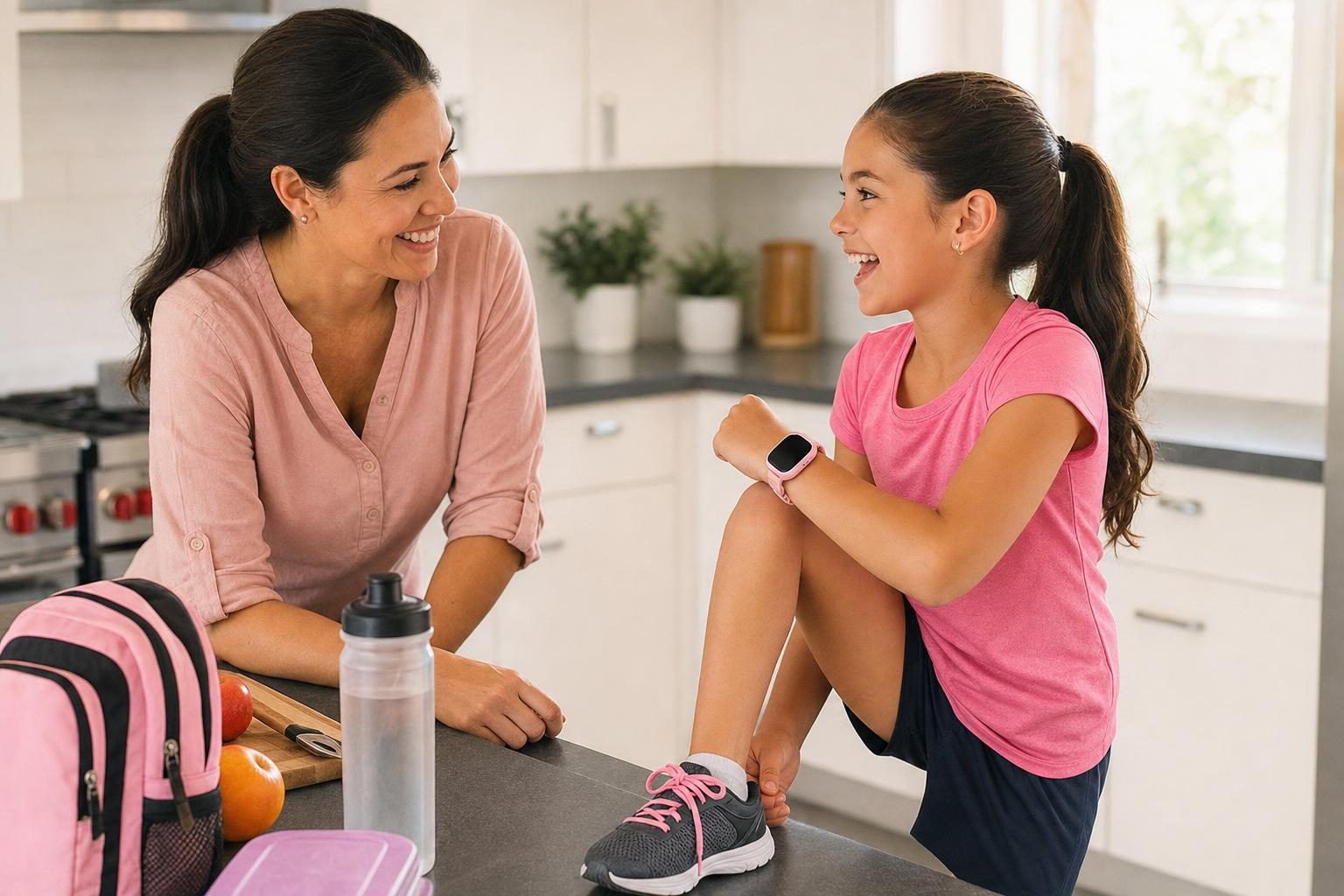
The Garmin Bounce 2 is a kids’ smartwatch with a focus on activity and fitness. It tracks steps, has built-in GPS, and offers voice calls-all managed in the Garmin Jr app. It does not have a camera or video calling. The Bounce 2 plan is $9.99 per month or $99.99 per year (annual contract) as of October 2026. Garmin is known for battery life and durability, but Bounce 2 is twice the price of their first Bounce watch and lacks video calls. It is best for families who already use Garmin apps or want a focus on activity, not communication.
How Each Watch Handles Sports and Activities
For active kids in sports or after-school programs, parents often want more than just step counts. The MeWatch K12 Ultra lets you pick sports and activity apps that fit your child’s routine. GPS shows you when your child arrives at practice or comes home. This is especially helpful for families whose kids do activities in different places or commute on their own.
Garmin Bounce 2 sticks to its strengths: movement games, activity tracking, and daily goals. It does not run outside apps or offer video calls. You manage everything through the Garmin Jr app, but your child cannot install activity apps you choose.
Communication: Calls, Texts, Video
The K12 Ultra lets kids make calls and send texts with approved contacts. Video calls work right from the watch, which helps with check-ins or just a quick hello. WhatsApp can be added and removed by the parent. This level of control gives older kids a taste of independence, but always on your terms.
Garmin Bounce 2 supports voice calls and text messages, but there is no camera or video calling. If seeing your child’s face during a call matters to you, Garmin cannot offer that. For families who want classic phone features without cameras, Garmin may feel safer.
Safety Controls and Everyday Use
Both watches let parents manage who the child can contact. The K12 Ultra adds school mode to limit distractions. Because it runs Android, you decide which apps are allowed, keeping the watch closed to the outside world unless you say otherwise. Garmin’s controls are set in the Garmin Jr app, focusing on activity and contacts.
What About Younger Kids?
If your child is younger (under 10), MeWatch offers the L12 Prime and K12 Light, which are fully closed: no app store, no outside apps, and only approved contacts allowed. Garmin Bounce 2 is designed for ages 7 and up, so both brands have options for younger children, but the strengths differ. For a direct, head-to-head look at features, see our in-depth comparison of Garmin Bounce 2 vs MeWatch K12 Ultra.
Plans, Activation, and Coverage
The K12 Ultra comes with a SIM and a MeWatch plan, with automatic monthly or annual renewal until you cancel at me-watch.com/plans. Coverage is nationwide 4G-LTE powered by SpeedTalk. Garmin Bounce 2 requires a Garmin plan, with monthly or annual payments. Each has their own activation steps, and both are managed by the parent from a web account or app.
Keeping Devices Away from Water
Neither the K12 Ultra nor the Bounce 2 should go in the pool, sea, or shower. Water damage is not covered, so remind your child to remove the watch before water activities.
Which Fits Your Family?
If your child needs more than just step tracking, and you want to approve sports and activity apps yourself, the MeWatch K12 Ultra is the standout pick. It is flexible enough for an active kid, with GPS and communication features you control. Garmin Bounce 2 is strong on classic activity tracking and long battery life, but does not support video calls or extra apps. The best choice comes down to your child’s age, independence, and how much control you want over what their watch can do.
FAQ: K2 vs Garmin for Kids
Q: Which is better for sports and after-school activities, K12 Ultra or Garmin Bounce 2? A: The K12 Ultra lets parents add sports and activity apps and see real-time GPS location, which is helpful for busy or older kids. Garmin Bounce 2 tracks steps and movement but cannot add outside activity apps.
Q: Can my child make video calls on these watches? A: The K12 Ultra supports video calls with approved contacts, while Garmin Bounce 2 does not have a camera or video call feature.
Q: Are these watches safe for younger kids? A: For younger children, MeWatch has the L12 Prime and K12 Light, both fully closed devices with strong parent controls. Garmin Bounce 2 is designed for ages 7 and up, but does not offer video calling or camera features.
Q: What happens if the watch gets wet? A: The K12 Ultra and Bounce 2 must be kept away from water, including pools, the sea, and showers. Water is not covered by warranty for MeWatch.
Q: Where can I compare the features side by side? A: See a direct, detailed comparison in our Garmin Bounce 2 vs MeWatch K12 Ultra guide.
More for parents
A Phone Without Internet for Kids: Every Real Option, Compared
August 16, 2026 · 14 min read
SafetyCan Strangers Call a Kids Smartwatch? How Approved-Contacts-Only Devices Work
August 16, 2026 · 11 min read
Buying GuidesLooking for a Gizmo Watch Alternative? What Changed in 2026, and What to Choose
August 16, 2026 · 12 min read
Buying GuidesWhich Kids Smartwatch Should You Buy? The 2026 Head-to-Head Comparison
August 16, 2026 · 12 min read