How Your Child's Communication Needs Shape the Right Time for Their First Phone or Smartwatch
Communication needs decide when a child is ready for a phone or smartwatch. Here’s how parents can match the right device to their child’s stage.
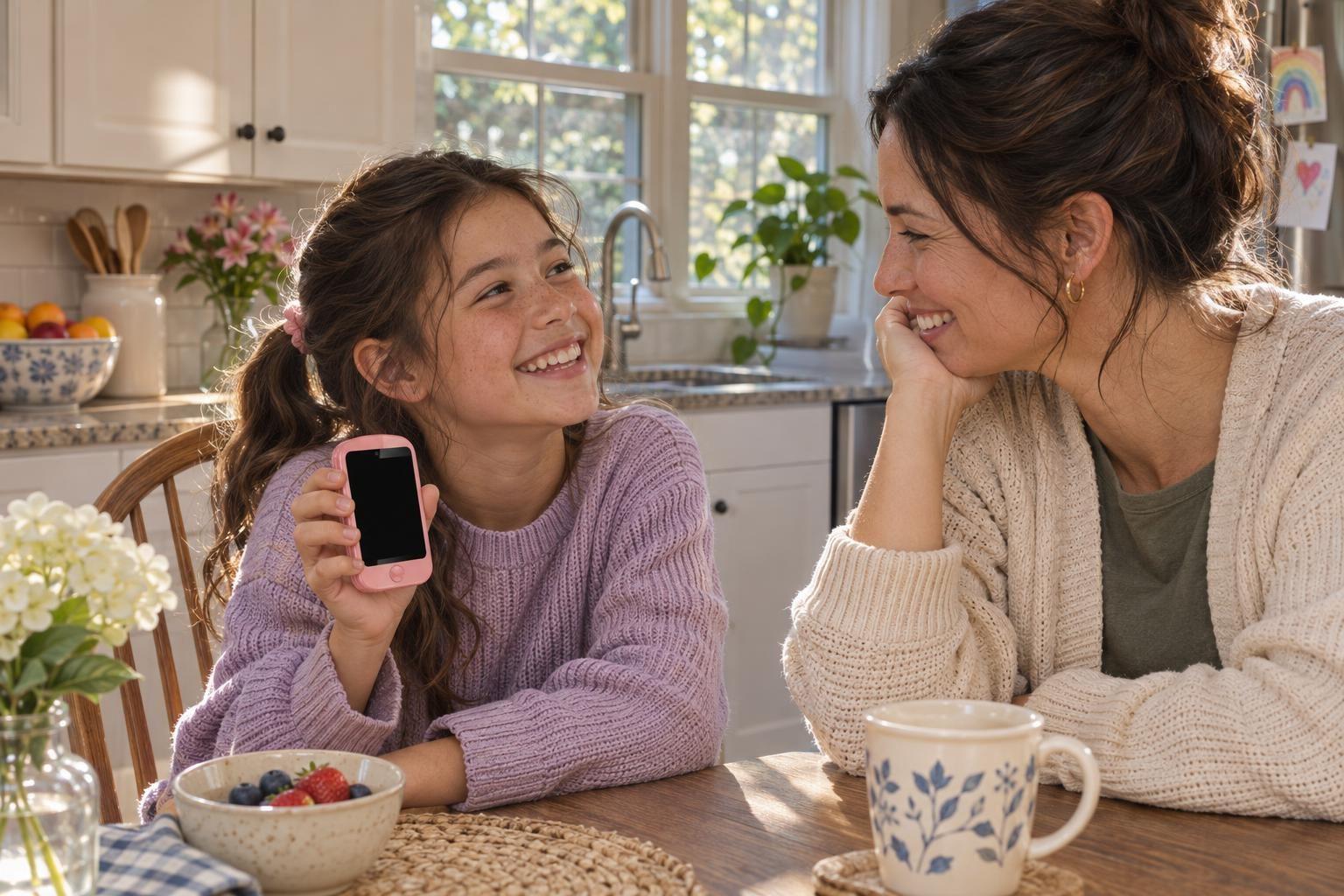
A child's communication needs are the main reason parents decide when to give them a phone or smartwatch. The right time depends less on an exact age and more on how and why your child needs to reach you, and how you need to reach them.
When Communication Becomes a Need, Not a Want
The first time your child walks home from school, heads to a sleepover, or plays at a friend's house without you nearby, you feel the real need for a way to stay in touch. For some, this moment comes in second grade, for others, not until sixth. It is not about keeping up with peers. It is about real-life situations where your child needs a safe, direct line to you-or you to them.
Which Device Fits Their Communication Stage?
Phones and smartwatches for kids are built to answer different communication needs. A child who only needs to call home after school may not need a device that can text or run apps. An older child who moves between activities or who needs to coordinate pickups may need more options, like group messaging or video calls.
Closed Devices for Younger Kids
Younger children benefit from closed devices. These allow calling and sometimes texting only with parent-approved contacts. For example, the MeWatch FirstPhone gives kids the ability to call, text, and make video calls to contacts you approve. There is no web browser, no app store, and no social media. This model fits a child who needs to reach you in new situations, but is not ready for the distractions or risks that come with an open device.
Other closed-device options include the Gabb Phone 4, which limits use to calls and texts with no internet or social media, and the Verizon Gizmo Watch 4, which allows up to 40 contacts and adds features like an Ask & Learn AI assistant. TickTalk 6, Cosmo JrTrack 5 SE, and Pinwheel Watch are also built for safe, controlled communication, each with their own balance of calling, texting, and video options. Video calls may be important for kids who need to see you when they check in, not just hear your voice.
When More Communication Features Make Sense
As kids grow, their lives get more complex. They may join teams, go out with friends, or manage a busier schedule. Communication needs can shift from just calling home to needing group chats, video check-ins, or sharing their location.
For older kids (usually ages 10-12 and up), models like the MeWatch K12 Ultra respond to this next stage. The K12 Ultra lets parents approve which apps are on the device, and it can support activity apps for sports or after-school clubs. GPS lets you check that your child got to practice and made it home. A parent can also enable or disable apps like WhatsApp through the parent app, which means the device can grow with your child's needs while keeping you in control. The K12 Ultra is not a closed system, so it is best for kids who can handle more responsibility.
Apple Watch SE 3, Bark Phone, and Troomi Phone offer advanced options for communication and parental control, but these are usually best for teens, not younger children. They require more maturity and carry features that may go beyond what most families want for an elementary or middle schooler.
How to Decide: Signs Your Child Is Ready
Children are ready for a phone or smartwatch when their communication needs go beyond what a classroom landline or a friend’s parent’s phone can handle. Signs a child may be ready:
- They walk or ride alone to school or activities, and you need to confirm they arrived.
- They spend time at friends' homes or events where you are not present.
- They have medical needs or anxiety and need to check in for reassurance.
- Your family schedule changes by the day and your child needs to adapt on the fly.
If your child is not asking to communicate with anyone except you or a few trusted adults, a closed device like MeWatch FirstPhone or a similar watch is enough. If your child is taking on more independence, a device with parent-approved apps and more flexible communication may be needed.
The Role of Safety and Simplicity
Safety should always guide your pick. MeWatch stands out because its models are designed for communication and nothing else. The FirstPhone keeps things simple: no web browser, no social media, just calls, texts, video calls, and GPS to keep you connected. This makes it a strong pick for families who want contact without the risks of a full smartphone.
Gabb, Gizmo, and TickTalk offer similar safety, but each has its own balance of features and service plans. Always check that the features match your child’s needs and your comfort, and remember that open devices with app stores or the internet are rarely the right first step.
Matching Device to Need: A Parent's Checklist
- What situations will my child use this for?
- Who do I want them to be able to contact?
- Is my child ready for texting, video calls, or just voice calls?
- Do I want location tracking?
- Am I comfortable with apps, or do I want a closed device?
Match the device to the real need, not just the age. The best device is the one that lets your child communicate enough to be safe, but not more than they can handle.
FAQ
How do I know if my child needs a phone or a smartwatch?
A child needs a phone or smartwatch when they need to reach you directly, not just for fun. This could be after school, at new activities, or when they start going places without you.
What is the safest device for a young child who only needs to call home?
A closed device is best, like the MeWatch FirstPhone or a similar kids' watch, since these only allow contact with numbers you approve and do not have an internet browser or social media.
When should a child get a device that allows texting or video calls?
When your child’s activities or independence require more than just voice calls, such as group messaging to coordinate pick-ups or video calls for reassurance, consider a device like MeWatch FirstPhone or a comparable model.
Should I pick a device with GPS?
If your child travels alone or you want to confirm their location, GPS is helpful. The MeWatch FirstPhone has GPS, as do several competitors' models.
Can my child use a MeWatch device for sports or after-school activities?
For sports and active schedules, the MeWatch K12 Ultra is the best fit, since it allows parent-approved activity apps and GPS to check arrivals and departures.
More for parents
A Phone Without Internet for Kids: Every Real Option, Compared
August 16, 2026 · 14 min read
SafetyCan Strangers Call a Kids Smartwatch? How Approved-Contacts-Only Devices Work
August 16, 2026 · 11 min read
Buying GuidesLooking for a Gizmo Watch Alternative? What Changed in 2026, and What to Choose
August 16, 2026 · 12 min read
Buying GuidesWhich Kids Smartwatch Should You Buy? The 2026 Head-to-Head Comparison
August 16, 2026 · 12 min read