Outgrown the Kids Smartwatch? Signs and Next Steps for Your Child
Your child is asking for more than a kids smartwatch can do. Here are the signs they are ready to move on, and how a safe first phone or an open watch with apps compares.
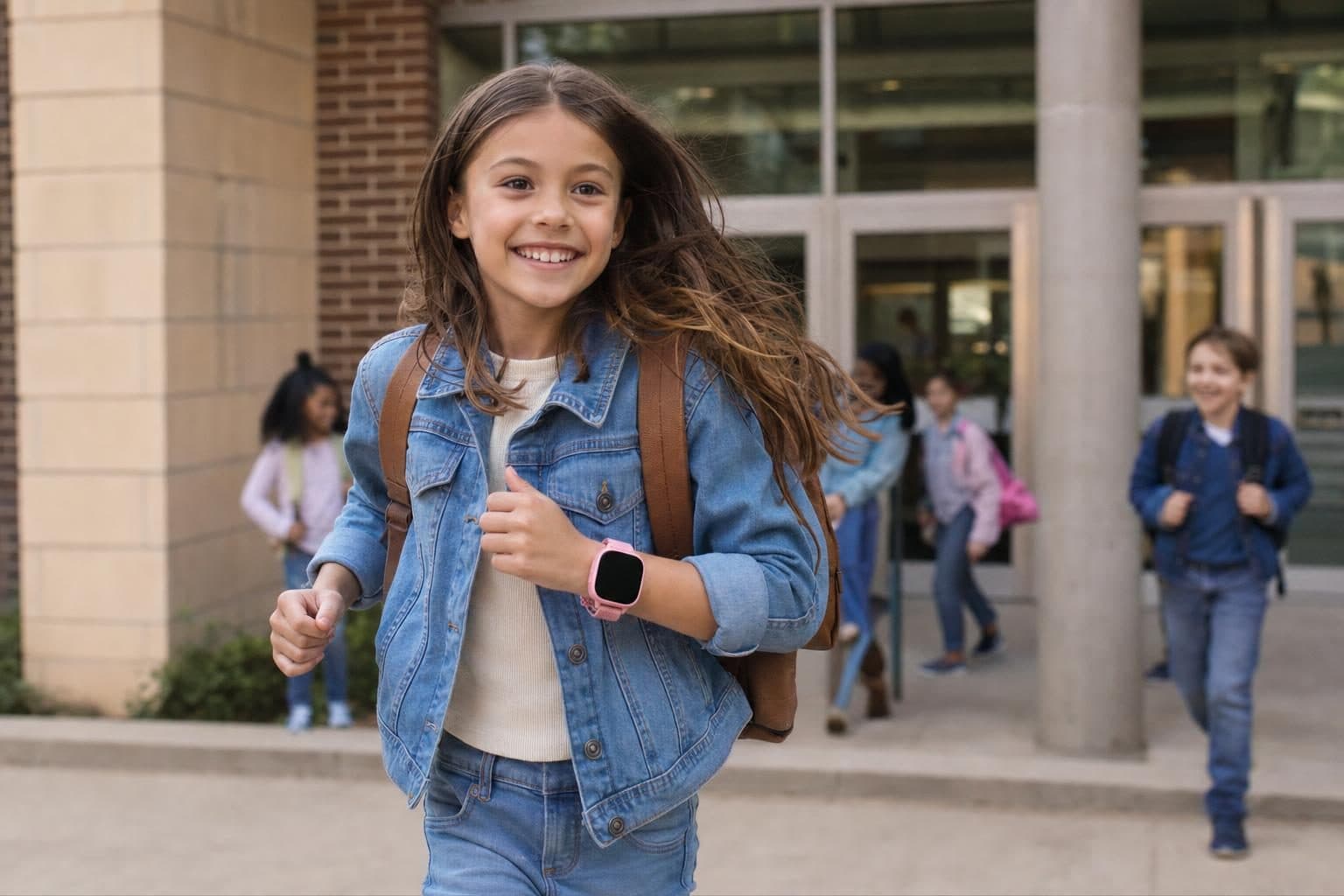
The last time you picked up your child from school, their kids smartwatch barely caught their attention. Maybe they asked about texting friends, or wished for a better camera. Growing up means their needs change, and the device you trusted before might not fit anymore. Here’s how to spot the signs your child is ready to move on, and what the next step after a kids watch should look like.
How Do You Know When Your Child Has Outgrown Their Kids Smartwatch?
Kids smartwatches are made for a certain stage: keeping in touch with trusted contacts, knowing where your child is, and giving them a taste of independence without open internet or app stores. Over time, your child’s world gets bigger. They might want to talk to classmates, take better photos, or organize after-school plans more freely.
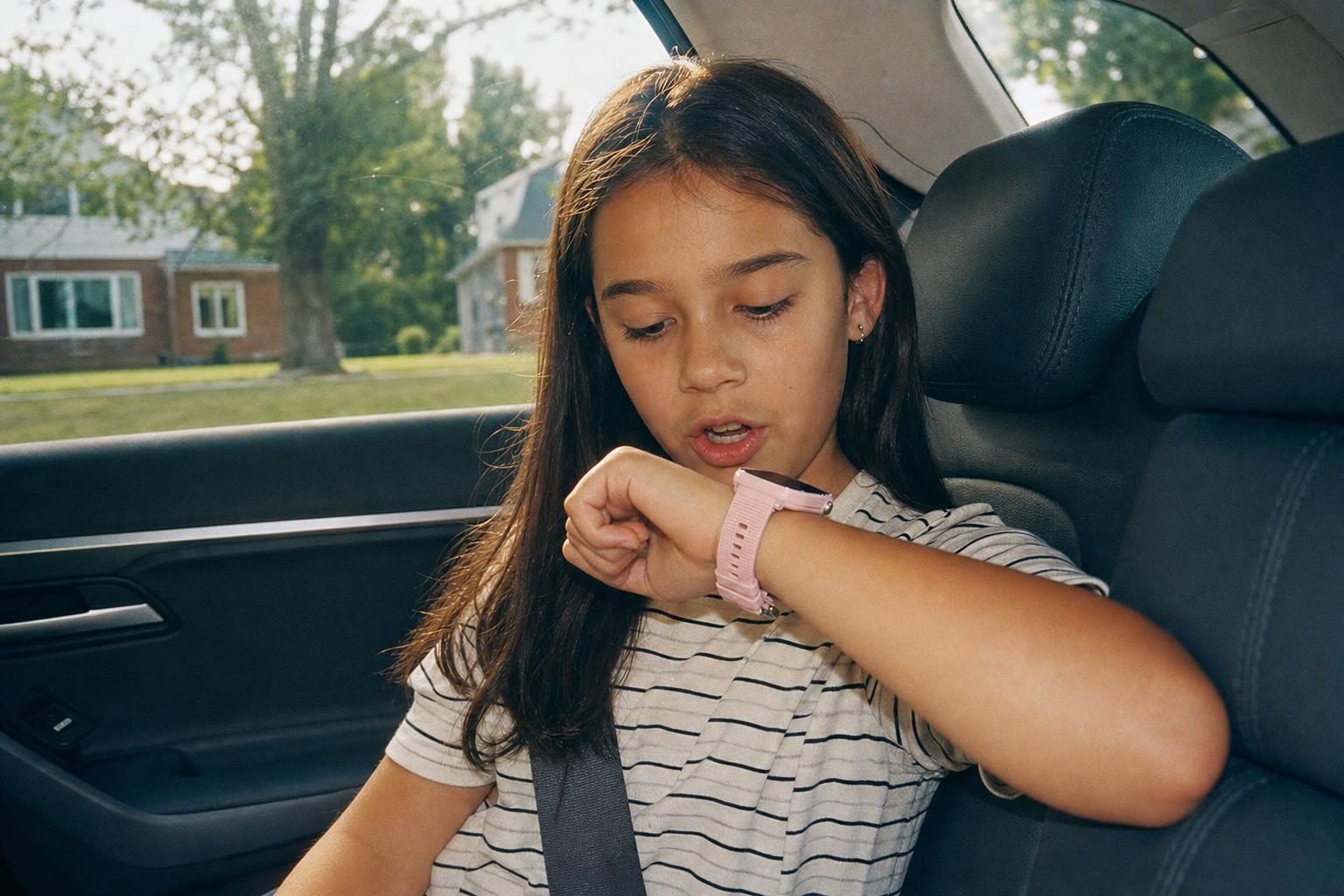
Some signs it is time to consider something new:
- Your child asks for more ways to communicate, like texting friends or taking better pictures.
- They want to stay connected on group chats you can monitor.
- They need tools for older kids, like a calendar or homework help.
- Their friends use phones or open watches, and your child feels left out.
No single age means it’s time. Some kids are ready sooner, others are happy with a watch for years. Listen to your child and talk about what they want, and what you feel comfortable with.
What Are the Next Steps After a Kids Watch?
You have two main paths: a safe first phone built for kids, or a smartwatch made for older kids. Each has its own strengths. Here’s how the leading options compare for American families.
Safe First Phones
A kids-first phone brings calling, texting, and sometimes video calls, all with parent controls. MeWatch FirstPhone and Gabb Phone have no internet browser and no social media; Bark Phone takes a different approach with monitoring and filtering. These are a good fit if your child wants a phone experience, but you are not ready for a standard smartphone.
- MeWatch FirstPhone: This phone is designed for kids and tweens who need more than a watch but still need protection. It offers calls, texts, GPS, video calls with approved contacts, a selfie camera and a dual rear camera, and an SOS button. There is no app store, no internet browser, and no social media. Each device comes with a SIM card for nationwide 4G LTE coverage, powered by SpeedTalk.
- Gabb Phone: A phone with no internet and no social media, on Verizon.
- Bark Phone: An Android phone with Bark’s monitoring and filtering, which parents can loosen as the child grows.
Smartwatches for Older Kids
Maybe your child still prefers wearing a watch, but wants more freedom. Some smartwatches are built for this next stage, but they come with more responsibility.
- MeWatch K12 Ultra: This Android-based watch is built for older kids, usually 10-12 and up. It includes GPS, Wi-Fi, a selfie camera, WhatsApp, and other apps, all managed by the parent app. Unlike the closed MeWatch safety models, K12 Ultra supports apps, so it fits kids who are ready for more.
- Apple Watch with Family Setup: A full smartwatch that a parent manages from their own iPhone.
How to Choose: Phone or Open Watch?
Both options have trade-offs. A closed first phone gives your child more ways to communicate. The MeWatch FirstPhone has no app store, no browser and no social media, and its video calls are only with contacts you approve. The Gabb Phone has no internet and no social media.
An open watch like the MeWatch K12 Ultra gives older kids more options: it adds apps and WhatsApp, managed from the parent app. This works best if your child is ready for more freedom and you are ready to manage new risks. Apple Watch with Family Setup is a full smartwatch a parent manages from their own iPhone.
If your child mostly wants to call and text without apps, start with a closed first phone. If they want WhatsApp and apps on the wrist, look at the K12 Ultra and agree on the rules together first.
What Happens to the Old Watch?
When your child moves up, you can reset their old kids smartwatch and pass it to a younger sibling or give it to a family friend. Some families keep the kids watch as a backup for trips or camp. If you decide to sell or recycle it, remove your child’s data and the SIM card before handing it off.
---
Frequently asked questions
How do I know if my child is ready for a phone instead of a watch?
Look for signs like asking for more freedom to text or call, interest in better cameras, or wanting to join group chats with friends. Readiness depends on your child’s maturity, not just age.
What is the safest next step after a kids smartwatch?
A closed first phone like the MeWatch FirstPhone keeps the guardrails: no internet browser and no social media, and video calls only with contacts you approve. If your child is ready for more, an open watch like the MeWatch K12 Ultra allows apps, but also brings more responsibility.
Can my child use their old kids smartwatch as a backup?
Yes. An old watch can work as a backup for camp or travel. Just make sure to update contacts and settings.
Is there an age when every child should switch from a watch to a phone?
No. Readiness depends on your child’s needs, maturity, and your family’s comfort.
More for parents
A Phone Without Internet for Kids: Every Real Option, Compared
August 16, 2026 · 14 min read
SafetyCan Strangers Call a Kids Smartwatch? How Approved-Contacts-Only Devices Work
August 16, 2026 · 11 min read
Buying GuidesLooking for a Gizmo Watch Alternative? What Changed in 2026, and What to Choose
August 16, 2026 · 12 min read
Buying GuidesWhich Kids Smartwatch Should You Buy? The 2026 Head-to-Head Comparison
August 16, 2026 · 12 min read