How to Pick a Phone for Your Child to Call You Safely
Wondering what phone is best for a child to call a parent? Here’s how to choose a kids’ phone or smartwatch that keeps your family connected and safe.
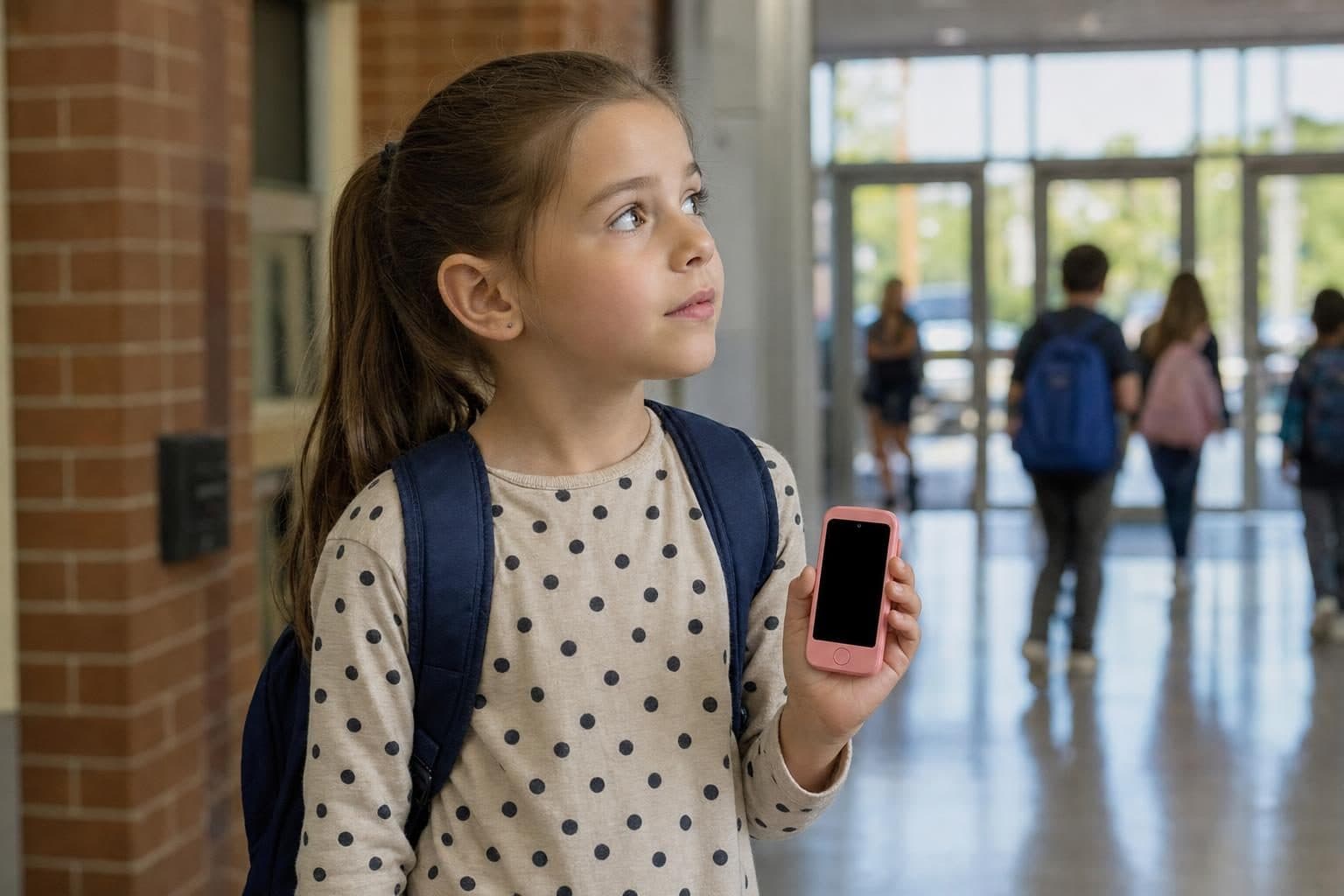
When you want a phone for your child to call you, the right choice balances safety, reliability and your child’s age. Unlike general smartphones, kids’ phones and smartwatches are designed for simple, direct communication with parents and trusted contacts.
Why Give Your Child a Phone for Calling Parents?
The first time your child stays after school for an activity or walks home alone, you want to know they can reach you right away. A phone or smartwatch gives kids a lifeline for check-ins and unexpected changes in plans. It’s not about handing them the internet, but about making sure you’re just a call away.
What Features Matter Most?
Direct Calling and Messaging
For most parents, the goal is simple: your child should be able to call or text you, and you should be able to reach them. Look for devices that allow calls and messages only with approved contacts. This keeps strangers out and makes the device less distracting.
SOS and Emergency Features
Many kid-safe phones and watches come with an SOS button. With one press, your child can alert you if they need help, sending their location to your phone. This is one of the key features that sets kids’ devices apart from hand-me-down adult phones.
GPS Location (or Not)
Some parents want to see their child’s location, especially for walkers or kids with changing pickup spots. GPS models show where your child is in real time. Entry-level models may use cell tower location instead, which is less precise but can still give you peace of mind for younger kids who stay close to home.
Which Kids’ Phones and Watches Make Calling Parents Easy?
Here’s how today’s leading options compare when you want a phone for a child to call a parent:
- MeWatch FirstPhone: This is a real phone for kids, built for calling and texting only with approved contacts. It has GPS, an SOS button, and video calls, but no internet browser or app store. Parents can manage contacts and settings from their own app. If your child is ready for a phone but you want to keep it safe and simple, this is a strong choice.
- Verizon Gizmo Watch 4: A popular kids’ watch with calling, texting, GPS and an AI assistant. You need to be a Verizon customer, and video calls are supported. Contact list is limited to 40 people, which is more than enough for most families.
- Gabb Phone 4 and Watch 3e: Both are closed devices with no internet or social media. The phone is for ages 9-14 and allows calling and texting, while the watch is for ages 5-12. Gabb’s watch updates location about every 15 minutes, and the phone is a good fit for older kids.
- TickTalk 6: A feature-rich watch for ages 3-12 with video calls, messaging and accurate GPS. It’s locked to its own plan, but gives parents granular control over communication.
- Cosmo JrTrack 5 SE: A more affordable GPS watch without video calls, but covers the basics for calling and simple messaging.
If you’re looking for a straightforward phone for a child to call a parent, MeWatch FirstPhone stands out for its closed environment, GPS, and SOS features. It’s managed entirely by the parent, and lets kids video call you when they need to see your face. The included SIM gives you nationwide 4G-LTE coverage, powered by SpeedTalk, with plans managed through MeWatch.
Watch or Phone: Which Fits Your Child?
Younger children often prefer a smartwatch. It stays on the wrist, is hard to lose, and many schools allow them if set to School Mode. Watches like MeWatch L12 Prime, Gizmo Watch and TickTalk 6 are tailored for elementary kids who just need to check in or call home. If your child is older or you want two-way texting with a real keypad, a phone like MeWatch FirstPhone or Gabb Phone 4 is easier for them to use.
How Do Parents Stay in Control?
Every device listed here gives parents control over contacts, location and features. With the MeWatch FirstPhone, parents approve every contact and can check location anytime. There’s no way for your child to add a new number, browse the web or install apps. This makes it a fit for families who want a phone for safety, not for games or social media.
What About Emergencies?
A direct call is the fastest way to reach you in an emergency. The SOS button on the MeWatch FirstPhone, Gizmo Watch and most other kids’ devices makes this easy for kids to remember. If you want more tips on emergency phones for children, see our Kids’ Emergency Phone Guide.
Keeping the Device Safe
No matter which device you pick, remind your child to keep their phone or watch away from water, including the sea, pools and showers. Water damage is not covered under warranty for MeWatch devices.
FAQ: Phones for Kids to Call Parents
What’s the difference between a kids’ phone and a regular phone?
Kids’ phones like the MeWatch FirstPhone are closed systems. They allow only calls and texts with trusted contacts you set up. There’s no open internet, app store or social media, making them safer for younger children.
Is a smartwatch or a phone better for my child?
A smartwatch is easier for younger kids to wear and less likely to get lost. Phones are better for older kids who need to type longer messages or use a keypad.
Can my child call anyone they want?
No. On kids’ phones and watches from MeWatch, Gabb, Gizmo and others, only contacts you approve can be called or messaged. Strangers cannot reach your child.
What if my child loses their phone?
Devices like the MeWatch FirstPhone have GPS, so you can locate the phone if it goes missing. Always remind your child to keep their device somewhere safe.
How do I start service on a MeWatch phone?
Every MeWatch device includes a SIM for a MeWatch plan, with coverage powered by SpeedTalk. To begin service, buy a plan at me-watch.com/plans, enter your SIM number in My Account and the MeWatch team activates your child’s line for you.
More for parents
A Phone Without Internet for Kids: Every Real Option, Compared
August 16, 2026 · 14 min read
SafetyCan Strangers Call a Kids Smartwatch? How Approved-Contacts-Only Devices Work
August 16, 2026 · 11 min read
Buying GuidesLooking for a Gizmo Watch Alternative? What Changed in 2026, and What to Choose
August 16, 2026 · 12 min read
Buying GuidesWhich Kids Smartwatch Should You Buy? The 2026 Head-to-Head Comparison
August 16, 2026 · 12 min read