Parental Controls for Social Media and Kids: How to Keep Children Safe
Learn how parents manage social media use and safety for kids using device-level controls, safety phones, and smart digital boundaries.

Parents can manage social media use and safety for kids by delaying access to unmonitored platforms, using device-level parental controls, or choosing dedicated safety devices without open internet access. Selecting hardware that blocks social media at the device level eliminates exposure to unapproved online platforms while keeping direct lines of communication open between children and parents.
Navigating decisions around online access can feel overwhelming when children ask for their first device. While social applications offer ways to connect with friends, unmonitored feeds expose young children to unwanted contact, cyberbullying, and intrusive targeted algorithms. Establishing control requires clear boundaries, thoughtful hardware choices, and open communication.
Why Device-Level Restrictions Beat Software Filters
Many parents start by installing software filters on standard smartphones. While built-in tools like Apple Screen Time or Google Family Link allow parents to set daily app limits, tech-savvy children often find workarounds through web browsers, guest accounts, or platform updates. Software monitoring requires constant oversight, frequent adjustment, and ongoing passwords.
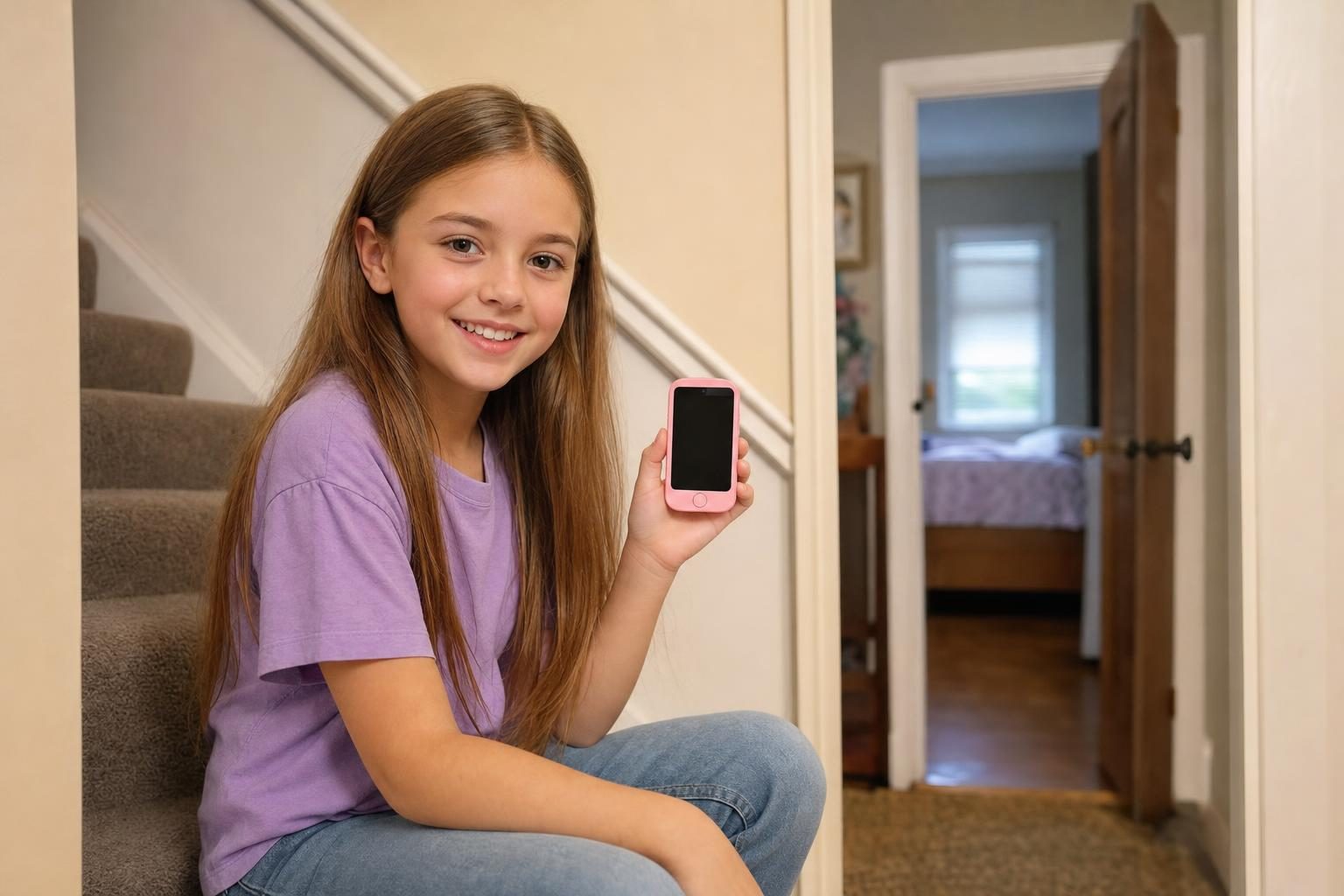
Hardware designed specifically for young users offers a simpler alternative. Devices that omit web browsers and app stores prevent access to social media entirely. When a phone lacks an app store, children cannot download social media applications or bypass parental boundaries.
Comparing Safe Phones and Managed Devices for Children
When evaluating devices that help manage parental controls, social media, and kids, families choose between managed smartphones and fully closed safety phones. Here is how leading options compare as of October 2026.
- Bark Phone: Built on a Samsung Galaxy A16, the Bark Phone costs $15 per month for 24 months plus wireless plans starting at $29 per month for children aged 8-17. It uses artificial intelligence to monitor text messages and media for signs of bullying, online predators, and self-harm. However, video calls are not supported on its starter plan.
- Gabb Phone 4: Retailing for $249.99 plus a $30 activation fee, the Gabb Phone 4 operates on Gabb's network with plans starting at $29.99 per month for kids aged 9-14. It has no open internet browser or social media apps. Its lowest service rates require a two-year contract subject to an early termination fee.
- Pinwheel: Pinwheel offers managed smartphones such as the Genesis 4 for $119, Slim 6 for $199, and Plus 6 for $299. It requires a software plan costing $17.99 per month with your own carrier or $29.99 per month on Pinwheel Wireless. Parents grant access from a library of over 1,200 curated apps, though it remains a managed smartphone rather than a closed safety device.
- MeWatch FirstPhone: Designed as a secure option for children ready for a real handheld device, the MeWatch FirstPhone includes voice calls, text messaging, accurate GPS tracking, video calls with parent-approved contacts, a selfie camera, a dual rear camera, and a built-in SOS button. It has no internet browser, no app store, and no social media, ensuring children stay connected with family without exposure to unvetted digital networks.
Setting Practical Guidelines for Online Safety at Home
Choosing the right hardware is only part of maintaining online safety. Pairing a safe device with healthy household habits establishes long-term digital independence.
Keep Devices Out of Bedrooms at Night
Charging phones and smartwatches in a central family area overnight stops late-night scrolling and ensures children get uninterrupted sleep. Create a central charging station in a kitchen corner or hallway counter.
Discuss Online Privacy Early
Talk openly with children about why social media platforms carry age minimums. Explaining the reasons behind age restrictions helps children understand that safety guidelines exist for their protection rather than as strict punishments.
Monitor Contact Lists
Ensure your child's phone allows calls and text messages only from approved contacts. Devices that block unknown callers prevent spam messages and unapproved contact from reaching young kids.
Frequently Asked Questions
What age should kids get social media?
Most social media platforms require users to be at least 13 years old under federal privacy laws. Many child safety advocates recommend waiting until high school before introducing open social media accounts, as older teenagers possess stronger critical thinking skills to handle online interactions.
Can parental control apps completely block social media on standard smartphones?
Parental control apps can block specific app downloads and restrict access to known websites. However, smart children frequently find workarounds through mobile browsers, hidden apps, or third-party workarounds. Devices built without an app store or web browser offer complete protection against social media access.
What is the difference between a managed phone and a safety phone?
A managed phone is a standard smartphone running software that restricts specific apps, sites, and usage hours chosen by parents. A safety phone is engineered without an internet browser or app store, removing social platforms and unmonitored internet access at the device level.
How do parents activate cellular service on a MeWatch device?
Every MeWatch device includes a SIM card for nationwide 4G LTE coverage powered by SpeedTalk. To start service, parents purchase a monthly or annual plan at me-watch.com/plans, enter the 19-digit SIM number in My Account, and the MeWatch team activates the line. Service renews automatically until cancelled in My Account.
More for parents
A Phone Without Internet for Kids: Every Real Option, Compared
August 16, 2026 · 14 min read
SafetyCan Strangers Call a Kids Smartwatch? How Approved-Contacts-Only Devices Work
August 16, 2026 · 11 min read
Buying GuidesLooking for a Gizmo Watch Alternative? What Changed in 2026, and What to Choose
August 16, 2026 · 12 min read
Buying GuidesWhich Kids Smartwatch Should You Buy? The 2026 Head-to-Head Comparison
August 16, 2026 · 12 min read