How to Choose the Best Smartwatch for Kids (2026 Guide)
GPS, SOS, calls, parental controls: what actually matters in a kids smartwatch, what to skip, and how to match the right watch to your child’s age.
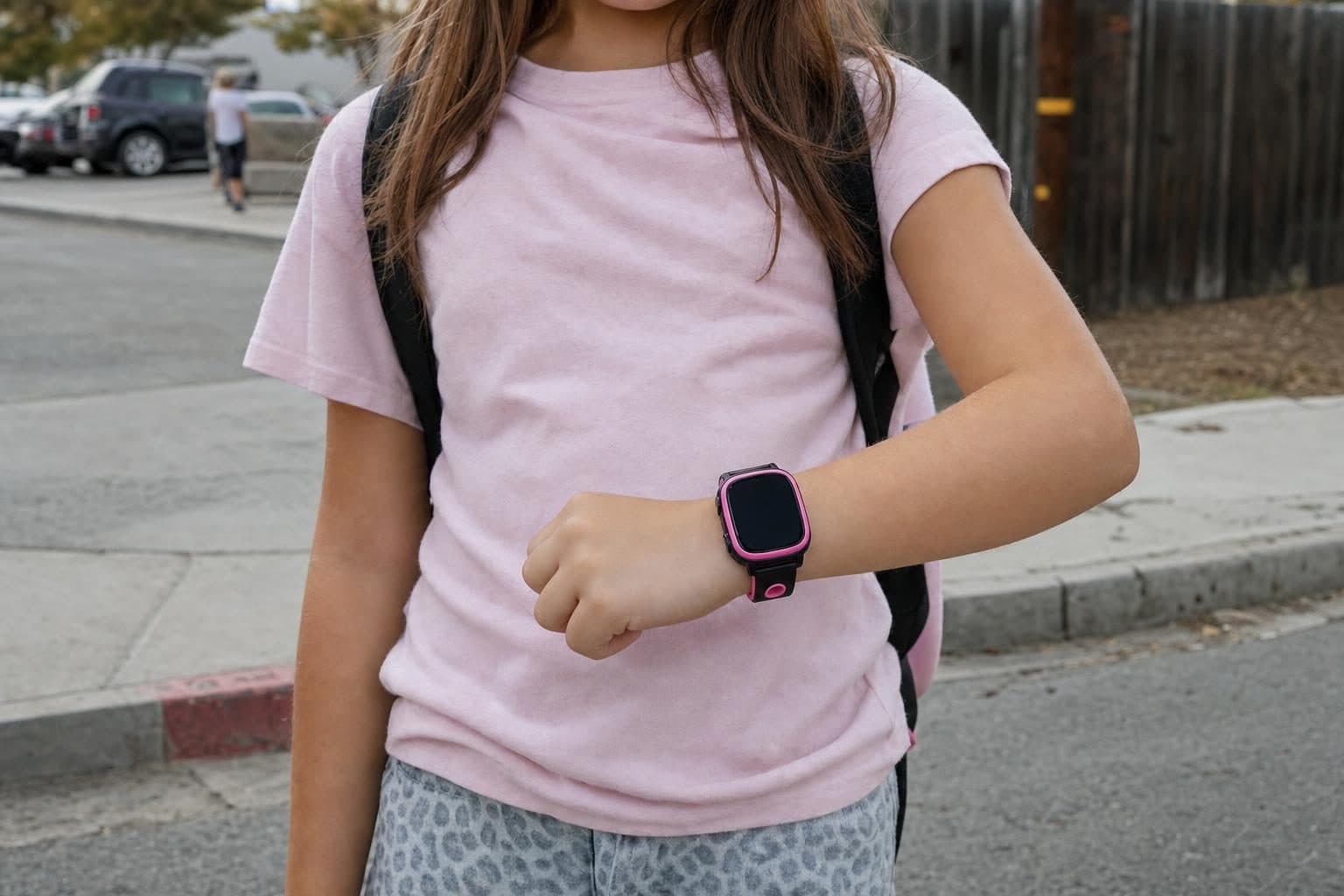
A good kids smartwatch keeps your child reachable and locatable without handing them the open internet. But features vary widely. Here’s what actually matters, and what’s just marketing.
The features that matter most
- GPS location: see where your child is in real time, with location history.
- An SOS button that calls and messages you the moment it’s pressed.
- Calls & texts to approved contacts only, so strangers can’t get through.
- Parental controls: you decide contacts, features, and quiet hours from an app.
- Class / school mode that silences everything but the clock during school.
- Battery & durability: a full school day of charge, and a build that survives real kids.
What to skip
Be wary of watches that bolt on an open browser, an app store, or social media. That reintroduces exactly the risks you were trying to avoid. The goal of a kids watch is focused connection, not a tiny smartphone.
Match the watch to the age
Younger children (roughly 5-8) do best with a simple, rugged watch: calls, GPS, SOS, and not much else. Older kids (9-12) can handle more, like messaging, a camera and video calls, as long as you still control who they talk to. Our kids smartwatch lineup spans both: from a basic, accessible watch up to the Android-based K12 Ultra with messaging.
Don’t forget the plan
A smartwatch needs cellular service to call, text, and share location away from Wi-Fi. Look for a simple, kid-appropriate plan with the data capped so there are no surprises. See our plans & connectivity for how that works.
So which watch should you buy?
The best kids smartwatch is the one that fits your child’s maturity and your family’s needs. It should be strong on safety (GPS, SOS, approved contacts) and strong on control (a real parent app), with no open internet anywhere in the picture. Once a watch clears those two bars, what’s left is preference: color, band, screen size.
More for parents
A Phone Without Internet for Kids: Every Real Option, Compared
August 16, 2026 · 14 min read
Buying GuidesLooking for a Gizmo Watch Alternative? What Changed in 2026, and What to Choose
August 16, 2026 · 12 min read
Buying GuidesWhich Kids Smartwatch Should You Buy? The 2026 Head-to-Head Comparison
August 16, 2026 · 12 min read
Buying GuidesHow Much Does a Kids Smartwatch Really Cost Per Month?
August 16, 2026 · 10 min read