Choosing a Bark Phone Alternative for Your Child’s First Phone
Looking for a Bark Phone alternative for your child’s first phone? Compare leading options like MeWatch FirstPhone, Gabb, Troomi and Pinwheel to find the right balance of safety and features.
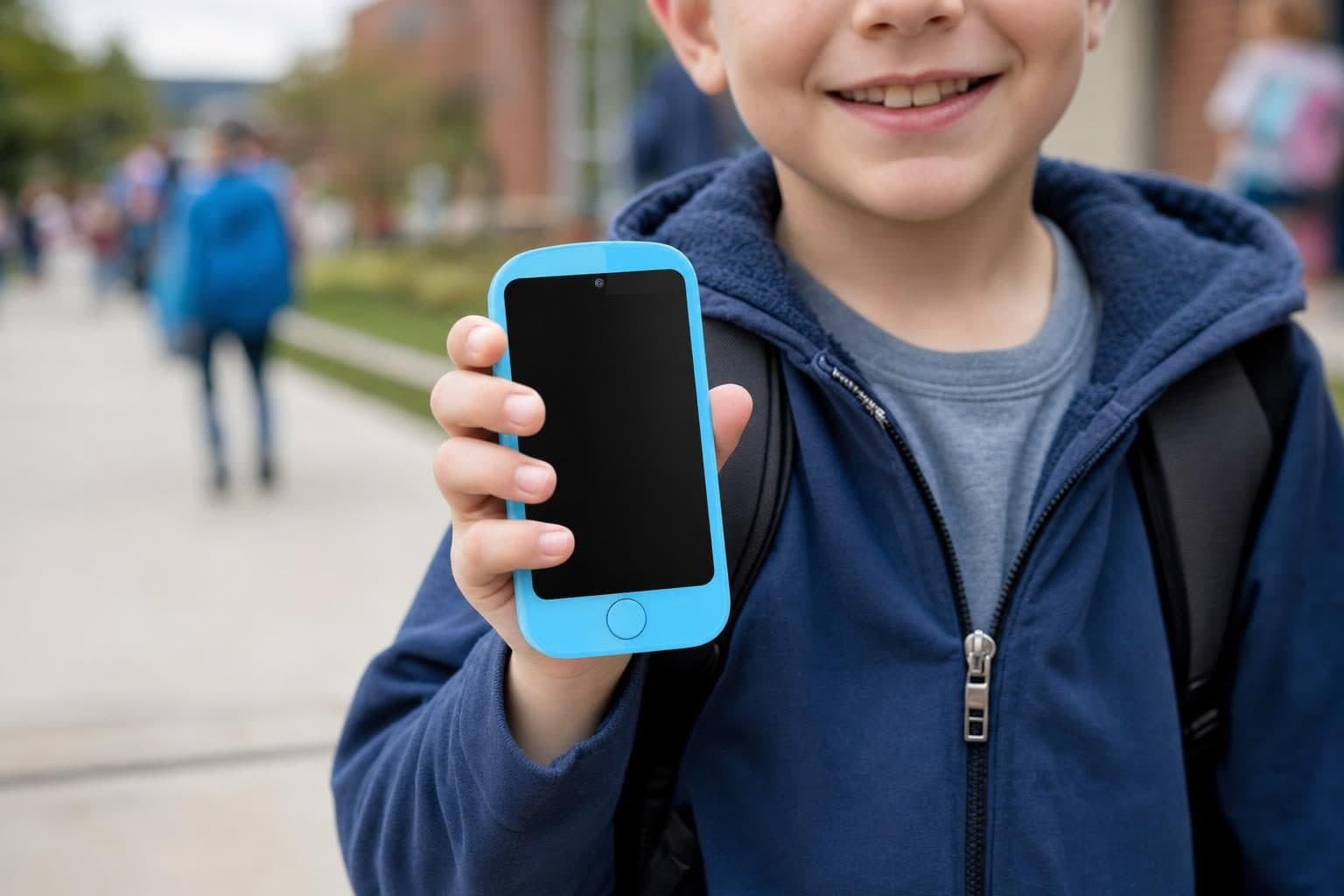
When you want a good alternative to the Bark Phone for your child’s first phone, the MeWatch FirstPhone, Gabb Phone, Troomi, and Pinwheel are all strong options. Each one balances safety with features a child actually needs, but they take different approaches and fit different families.
What Makes a Good Bark Phone Alternative?
The Bark Phone is a Samsung Galaxy A16 managed by the Bark app and runs $15/month for the device plus plans from $29/month as of October 2026. Bark is best known for its AI message monitoring and content filters that parents adjust as their child grows. However, some parents want a simpler device for a younger child’s first phone, a closed system with no app store, or a lower monthly cost. Others want more control over which contacts or functions are allowed. That’s where the main alternatives come in.
The Top Alternatives to the Bark Phone
MeWatch FirstPhone: A Safe, Closed First Phone
MeWatch FirstPhone is a purpose-built first phone for kids that focuses on safety and simplicity. It allows calls, texts, and video calls with parent-approved contacts only. There’s GPS location tracking for peace of mind, an SOS button for emergencies, and a camera for photos. Crucially, it has no internet browser, no app store, and no social media, so parents don’t have to worry about accidental exposure to content or online strangers. The included SIM gives nationwide coverage powered by SpeedTalk, and you manage everything from the parent app. For families who want a real phone experience without the risks of an open phone, MeWatch FirstPhone is a leading choice. If you need a device for a child under 12 who doesn’t need to install apps or access the web, it’s hard to beat for day-to-day safety and ease of use.
Gabb Phone: A Simple, Contract-Free Choice
The Gabb Phone 4 ($249.99 plus $30 activation, as of October 2026, with plans from $29.99/month) is also a closed phone for kids and tweens. It has no browser or social media, so it’s great for families seeking a distraction-free first phone. Gabb runs on its own network and is sold at Walmart, making it easy to find. The main tradeoff is that it offers a limited set of features compared to some competitors and does not support video calls, but it’s reliable and trusted by many families with kids aged 9-14.
Troomi: A Real Samsung Phone With Parental Controls
Troomi offers a Samsung Galaxy A17 with its own Troomi OS. It starts at $249.95 or $6.94/month for the phone, plus plans between $24.95 and $34.95/month (activation and fees apply). Troomi allows parents to gradually unlock features, including a browser or app store only on the top plan. Troomi is a good fit for parents who want a more traditional Android phone experience with strong parental controls. Expect more setup and ongoing management than with a closed phone like MeWatch or Gabb.
Pinwheel: A Managed Android With Deep Controls
Pinwheel sells managed Android phones (Genesis 4, Slim 6, Plus 6) and a Pinwheel Watch. The phones require a software plan ($17.99/month with your own carrier or $29.99/month on Pinwheel Wireless) and give parents the ability to approve apps and read texts. Pinwheel does not lock the device as tightly as MeWatch FirstPhone or Gabb, but it gives parents a lot of flexibility. It fits families who want to add more functions as their child matures while keeping strong oversight.
---
How Do These Alternatives Compare?
| Device | Video Calls | Browser/App Store | Social Media | GPS | Camera | Key Strengths |
|---|---|---|---|---|---|---|
| MeWatch FirstPhone | Yes | No | No | Yes | Yes | Closed system, GPS, multi-camera, SOS |
| Gabb Phone 4 | No | No | No | Yes | Yes | Simple, contract-free, sold at Walmart |
| Troomi Galaxy A17 | Yes | Yes (top plan) | No | Yes | Yes | Real smartphone, expandable with age |
| Pinwheel Genesis 4 | Yes | Yes (parent adds) | No | Yes | Yes | Deep parental app control, flexible setup |
| Bark Phone (for ref) | Yes | Yes | No | Yes | Yes | AI message monitoring, filters grow with kid |
Each option has its place. MeWatch FirstPhone is best for families who want a closed, safe first device with GPS and no way to get online. Gabb is a contract-free closed choice, but lacks video calls. Troomi and Pinwheel are for parents who want to slowly open up smartphone features as their child becomes ready.
What Should You Consider Before Choosing?
- Your child’s age and readiness: Younger kids often do best with a closed device that allows only parent-approved contacts. Older kids may need more flexibility.
- How much oversight you want: Closed phones like MeWatch FirstPhone and Gabb Phone keep things simple. Managed smartphones like Troomi and Pinwheel require more setup but allow more gradual freedom.
- Features you need: If video calling with family is important, make sure your pick supports it. If you want AI monitoring like Bark, only Bark Phone offers that level of filtering.
When a Closed First Phone Is the Best Fit
Some families find that a closed phone like MeWatch FirstPhone is the right first step. It gives your child the ability to call, text, and check in by video, but there’s no risk of wandering into the wider internet. The included GPS lets you see where your child is, and the SOS button adds a layer of safety. For many American families, this simplicity is exactly what they want at the start.
FAQ: Bark Phone Alternatives
What makes MeWatch FirstPhone different from Bark Phone?
MeWatch FirstPhone is a closed device: no internet, no app store, and only parent-approved contacts. Bark Phone is a managed Samsung phone with AI monitoring and the option to add apps as your child matures.
Can my child make video calls on a Bark Phone alternative?
MeWatch FirstPhone, Troomi, and Pinwheel all support video calls with approved contacts. Gabb Phone does not support video calling.
Which Bark Phone alternative is best for a younger child?
MeWatch FirstPhone is designed for younger kids. It is easy to use, with simple controls, GPS, and no risk of internet distractions.
Can I move my child to a more advanced phone later?
Yes, many parents start with a closed phone like MeWatch FirstPhone, then move to a managed smartphone like Pinwheel or Troomi when their child is ready for more responsibility.
How do I activate a MeWatch FirstPhone?
Buy your device and a plan at me-watch.com/plans. Enter the SIM number in My Account. The MeWatch team handles activation. For current plan details, see me-watch.com/plans.
More for parents
A Phone Without Internet for Kids: Every Real Option, Compared
August 16, 2026 · 14 min read
SafetyCan Strangers Call a Kids Smartwatch? How Approved-Contacts-Only Devices Work
August 16, 2026 · 11 min read
Buying GuidesLooking for a Gizmo Watch Alternative? What Changed in 2026, and What to Choose
August 16, 2026 · 12 min read
Buying GuidesWhich Kids Smartwatch Should You Buy? The 2026 Head-to-Head Comparison
August 16, 2026 · 12 min read